Embedding your page
If a public link isn't enough and you want the wallet table living on your own site, the embed widget renders a compact version of your tracking page inside an iframe you control. Embed & API, in the settings sidebar, needs your public page turned on first; once it is, select Enable embed at the top of that section to unlock it. From there, API keys creates a public key for the page, and Embed snippet lets you pick that key and copy the ready-to-paste HTML. Anyone who visits the page it's embedded on sees the same read-only wallet table as the public page, plus a form for visitors to submit their own wallet for you to review.
The mechanics of the snippet, the difference between public and secret keys, and how visitor submissions get approved are developer-facing details covered in the reference docs rather than repeated here: see Snippet for the iframe markup and sizing, Authentication for how keys and origin allowlisting work, and Verification policy for how a page owner controls which visitor submissions get approved.
What you'll see
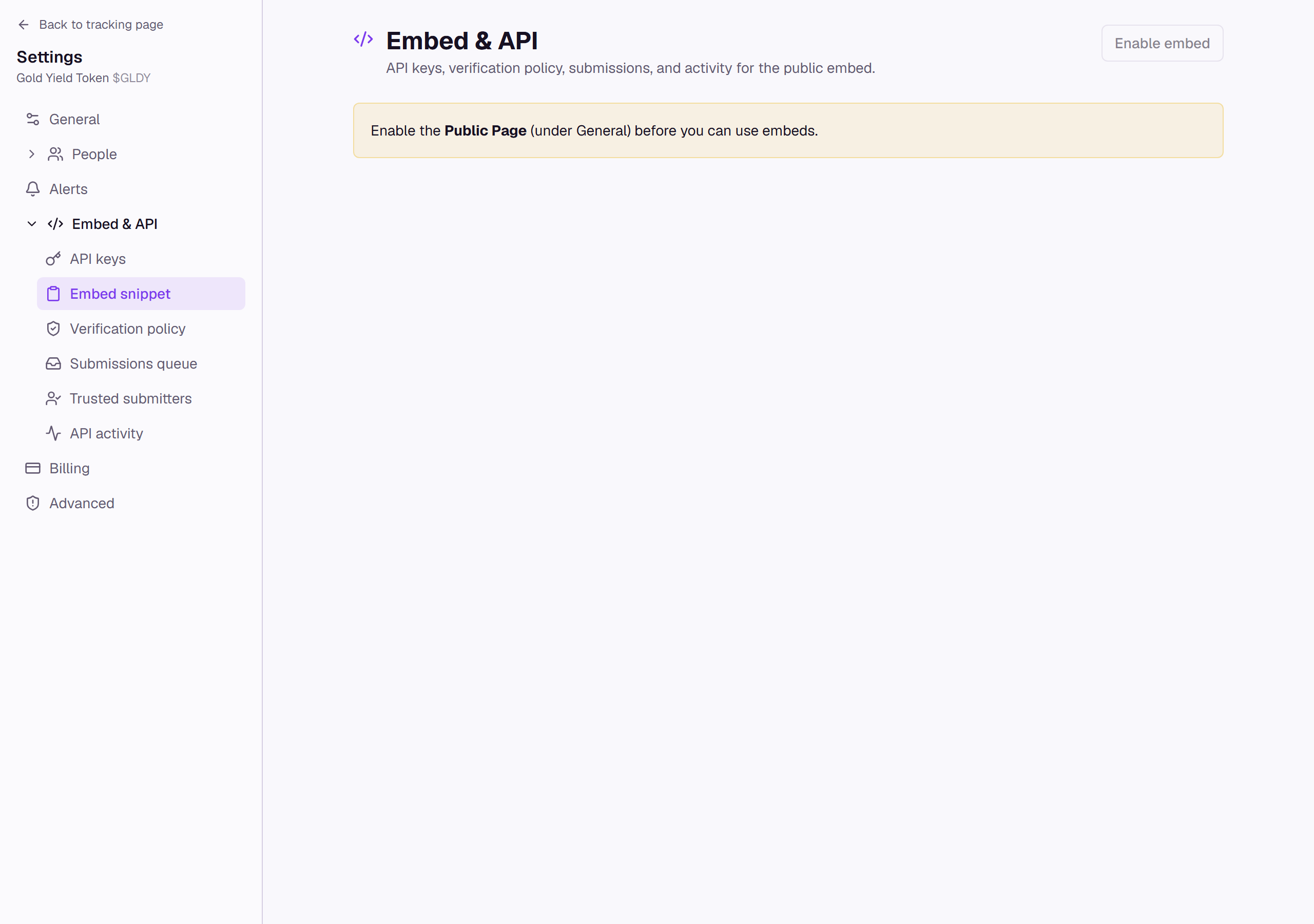
Until the public page is on, every subsection under Embed & API shows this same prompt instead of its own controls.