Reading a tracking page
A tracking page is one screen: everything about the token and the wallets you're watching lives here. This page walks through each region, top to bottom.
What you'll see
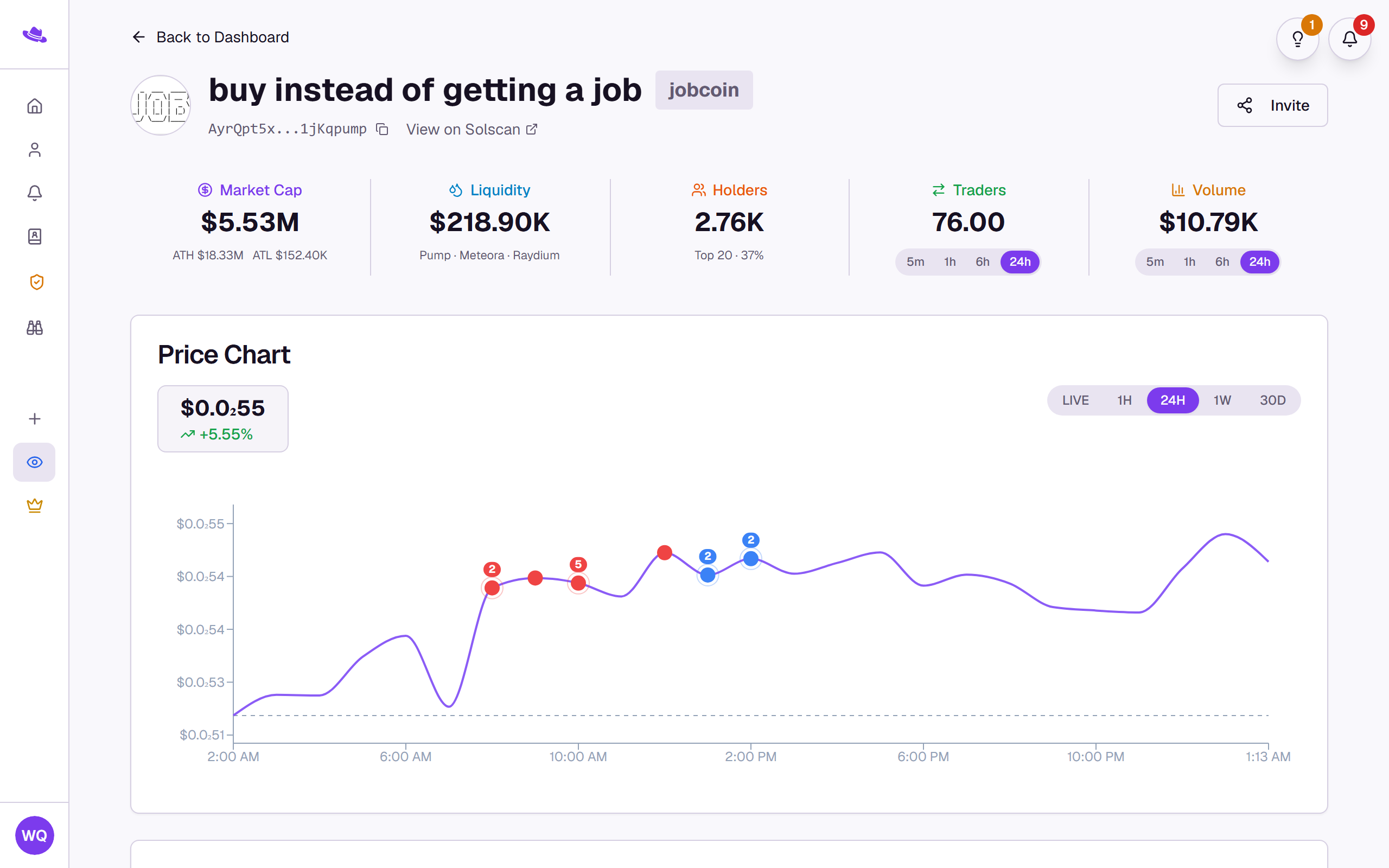
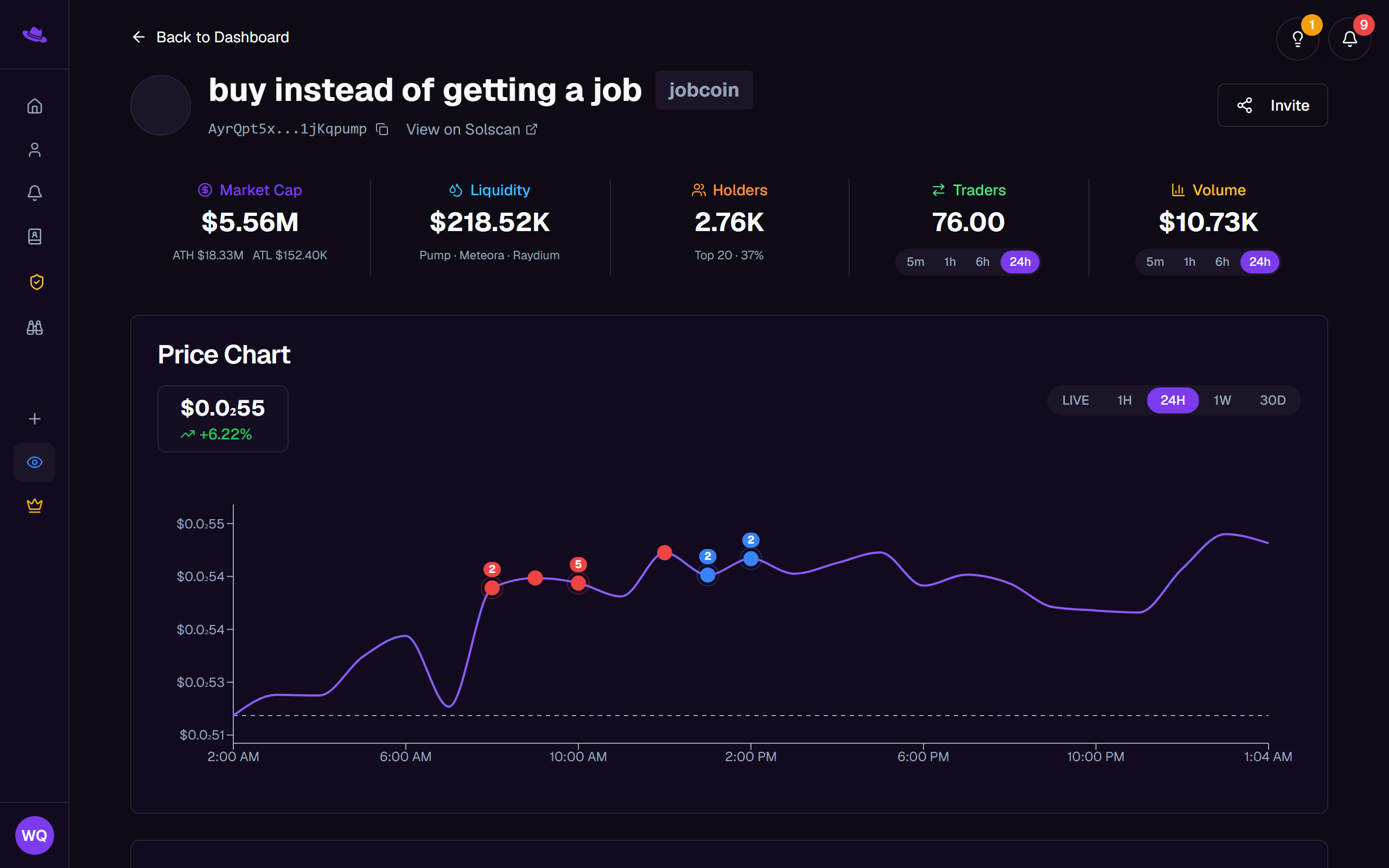
Header
- The token's icon, name, and symbol, with a chain chip beside them when the page tracks a Base or Ethereum token. A page with no chip is tracking a Solana token.
- The token address, which you can select to copy, and an explorer link, "View on Basescan" for Base, "View on Solscan" for Solana.
- Invite, which generates a link for someone to join this page.
- Settings, which opens the settings tree, shown to anyone with access to it.
Stats and price chart
- A stat strip across Market Cap (with all-time high and low), Liquidity (with the platforms it's found on), Holders, Traders, and Volume. Traders and Volume each have a 5m / 1h / 6h / 24h toggle so you can change the window.
- The Price Chart below it, with LIVE, 1H, 24H, 1W, and 30D range buttons. Colored dots on the line mark alert events from your tracked wallets; a numbered badge appears when several land at the same point, and selecting a dot opens the details of the alerts behind it.
Tracked wallets
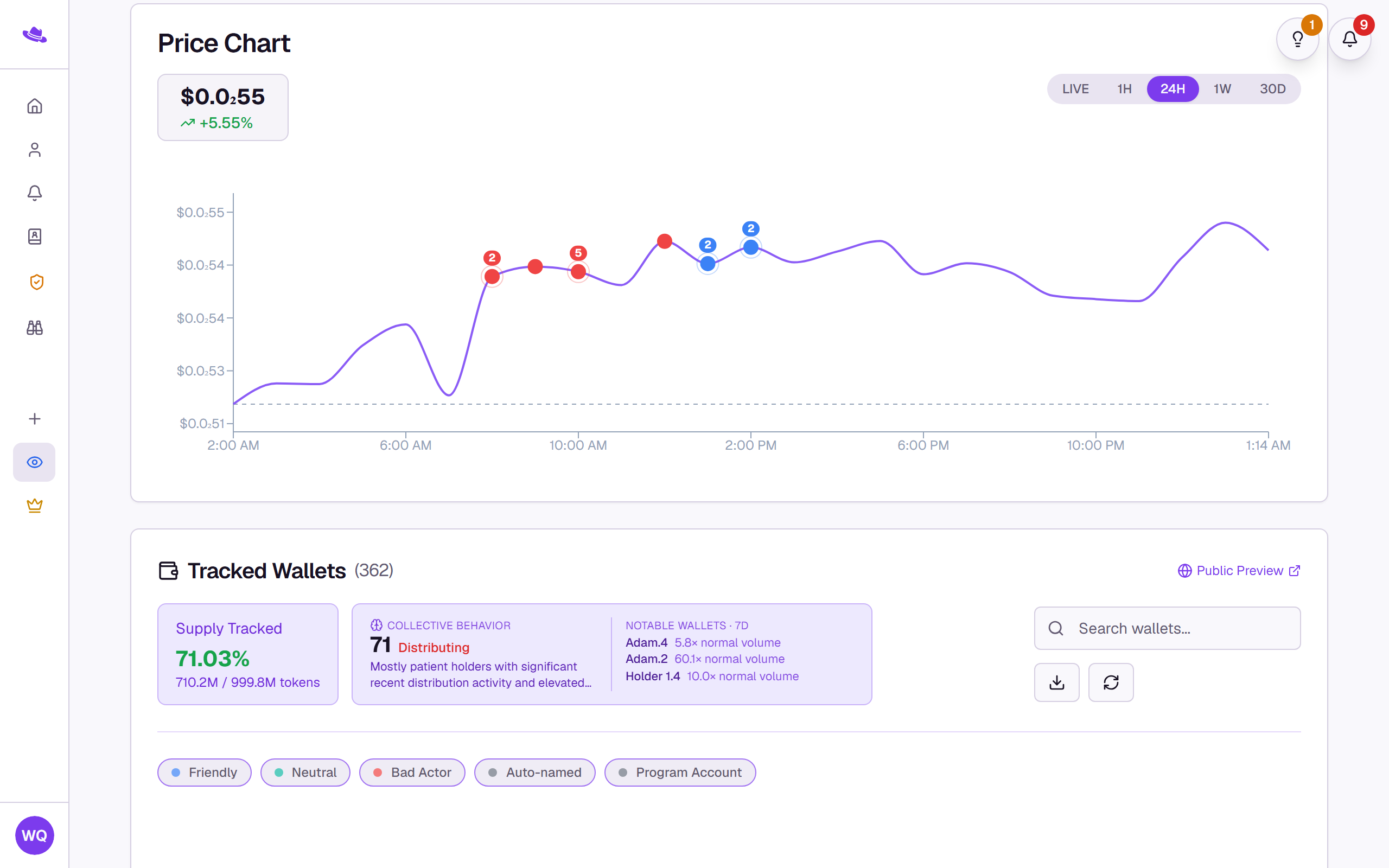
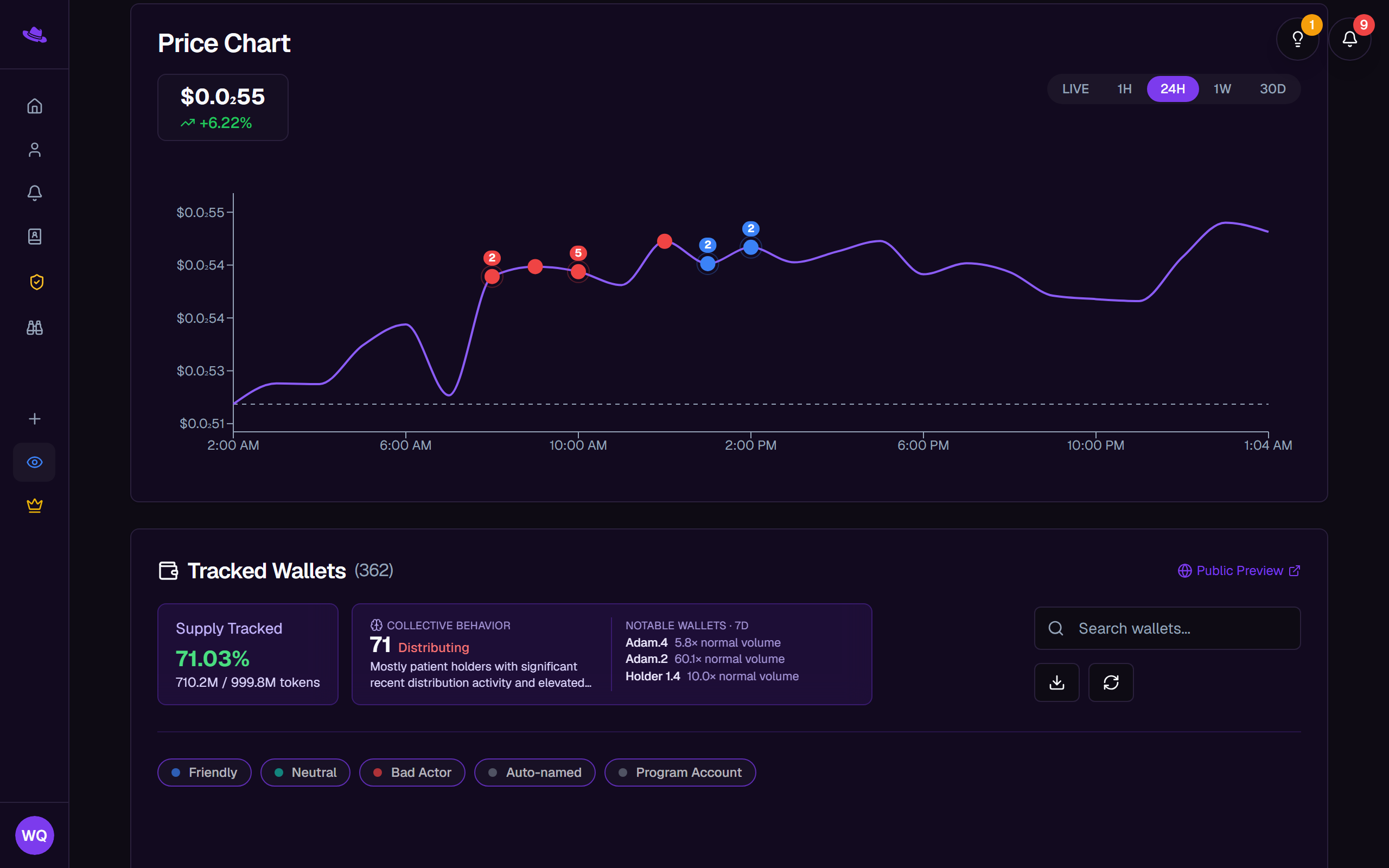
- Tracked Wallets and a count of how many are on the page.
- Public Preview, a link to the read-only public version of this page.
- On plans that include it, a Collective Behavior card scoring the tracked wallets as a group (accumulating, distributing, or mixed) alongside Notable wallets, standout activity from the past week.
- Supply Tracked: the share of the token's circulating supply held by your tracked wallets combined, so you can gauge how much of the float you actually have visibility into.
- The wallet list itself, with each wallet's nickname, tags, and last action.
Recent transactions
The latest activity from your tracked wallets, each row showing the wallet, whether it was a buy, sell, or transfer, the amount, and when it happened.