Create a tracking page
A tracking page follows one token: its price, liquidity, holders, and every wallet you choose to watch. Creating one takes a token address and a plan.
Steps
- From your dashboard, select New Tracking Page.
- Paste the token's address into Token Address and select Verify Token. Wallet Sleuth accepts a Solana mint or an EVM contract address and detects the chain for you.
- If the same contract address exists on more than one network, Wallet Sleuth asks you to pick one; select the network button for the token you mean to track.
- Once verified, choose a plan, then select Continue or Continue to Payment depending on the plan.
- After the plan is set up, your tracking page is created and you land on a page offering to import wallets straight away.
What you'll see
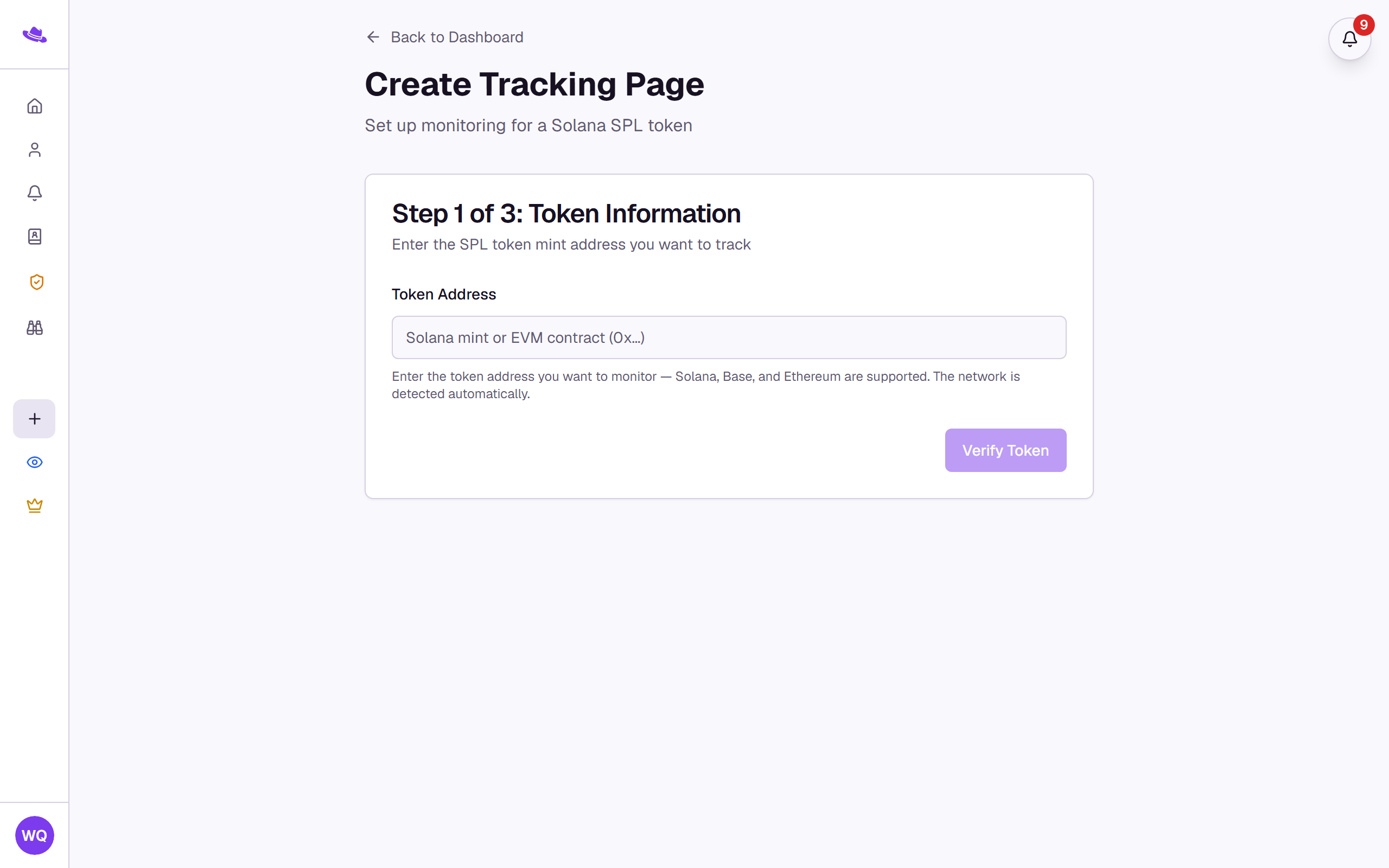
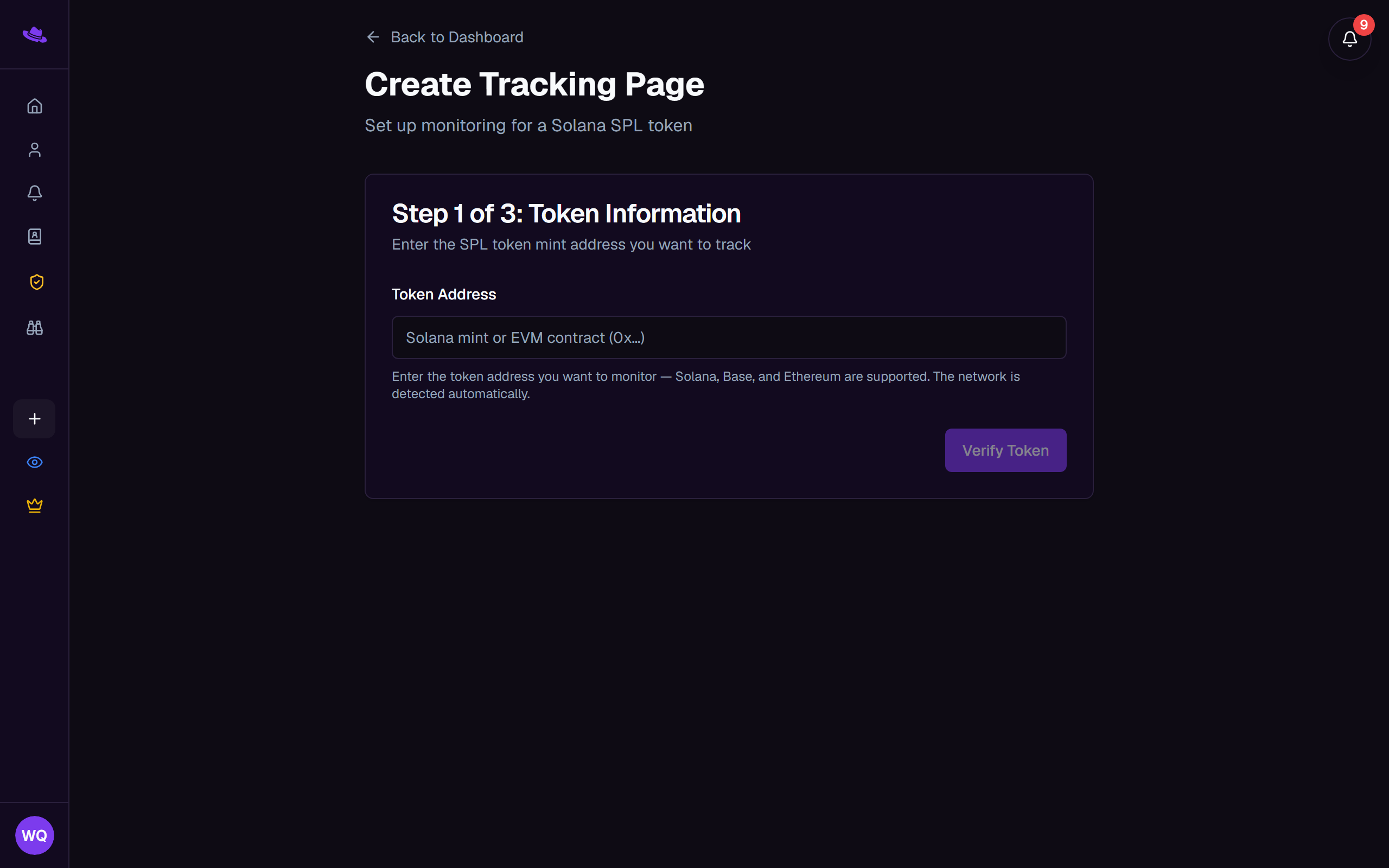
A new page starts with no wallets. Add wallets to it and Wallet Sleuth fetches each wallet's recent transaction history and registers it for real-time alerts automatically; there's nothing else to turn on.
Common questions
Verify Token says the address is invalid. Double-check you copied the full address with no extra characters. Wallet Sleuth checks Solana mints and EVM contracts across every supported chain; if the token genuinely isn't on any of them, verification fails.
It asked me to pick a network, or picked the wrong one. Some contract addresses exist on more than one EVM network. When that happens, Wallet Sleuth shows a button for each network the address was found on, and you pick the one you mean. A Solana address, or an EVM contract that only exists on one chain, is detected with no prompt.