Page settings
Every tracking page has its own settings, reachable from the page's Settings button. What you see depends on your role: the owner sees a few sections members don't.
Steps
- From the tracking page, select Settings.
- The sidebar lists General, People (Invites, Members, Contact groups), Alerts, Embed & API (API keys, Embed snippet, Verification policy, Submissions queue, Trusted submitters, API activity), Billing, and Advanced. Invites, Billing, and Advanced show only for the page's owner.
- Select any section in the sidebar to open it. General opens first.
What you'll see
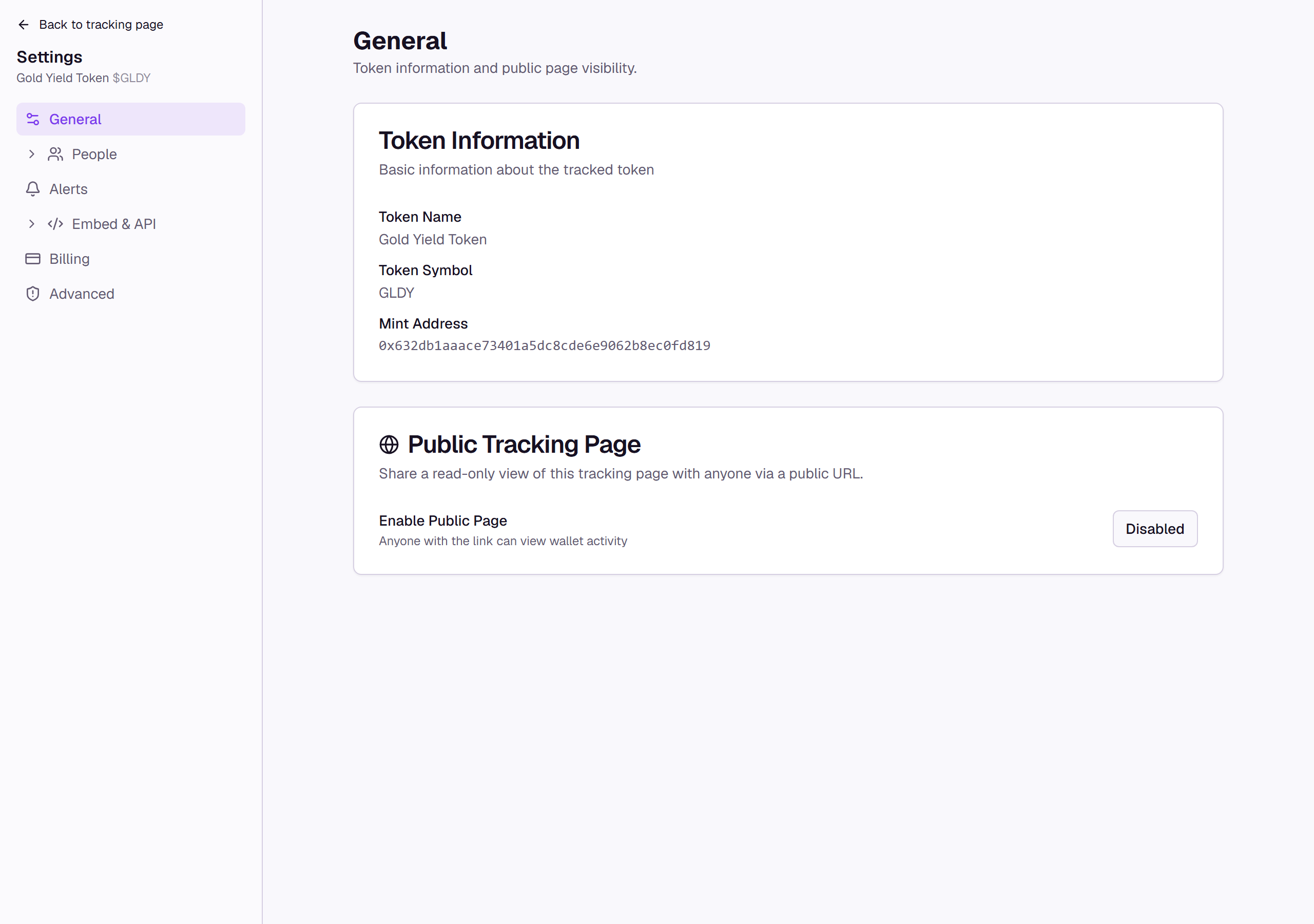
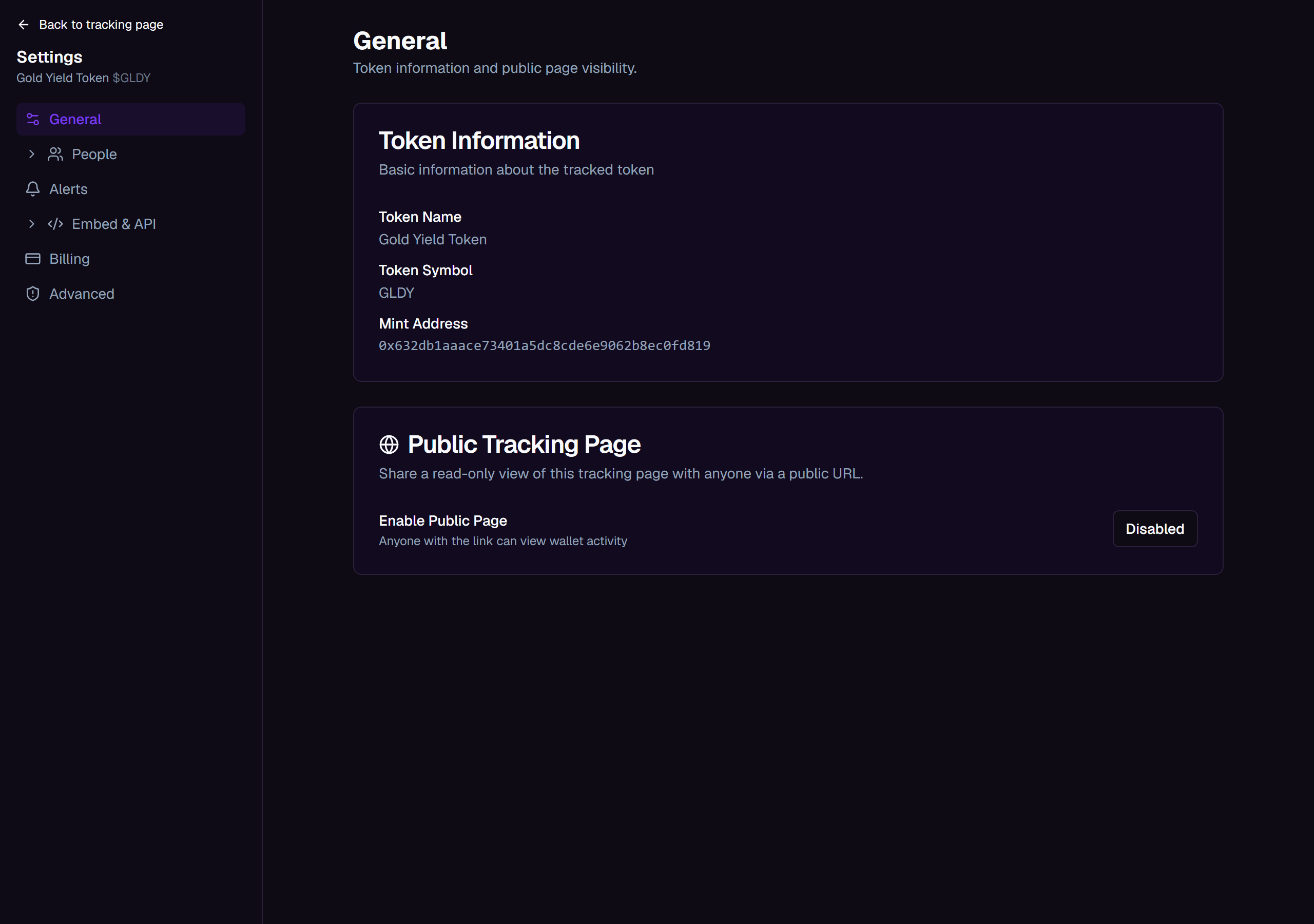
- General: read-only Token Information (name, symbol, and mint address), plus the Public Tracking Page card, where you turn the public page on or off, set a Page Title and Public Comments, copy the Public URL, and choose which wallets appear under Wallet Visibility.
- Advanced, owner only: Transfer Ownership hands the page to another member, who becomes the new owner while you become an admin member, and Delete Tracking Page permanently removes the page and everything tracked on it. Both ask you to type the page's name to confirm before they take effect.
People, Alerts, Embed & API, and Billing each get their own page elsewhere in this guide.