Converting to a tracking page
A completed audit is a one-time snapshot. Converting it creates an ongoing tracking page for a token from that audit, with the wallets you choose imported and monitored from then on.
Steps
- From a completed audit, select Create tracking page in the header.
- Pick a token from Top tokens across the audited wallets, or enter another token's address under Other token and select Look up; if the address exists on more than one network, choose which one.
- Choose which audited wallets carry over: your submitted wallets, or discovered wallets too, and any limit you want to apply.
- Continue to pick a plan and complete payment. A wallet count too large for any plan offers to contact sales for an enterprise plan instead.
- Once payment completes, Wallet Sleuth creates the tracking page and imports the chosen wallets in the background. A progress chip next to the audit's name tracks the import until it finishes.
What you'll see
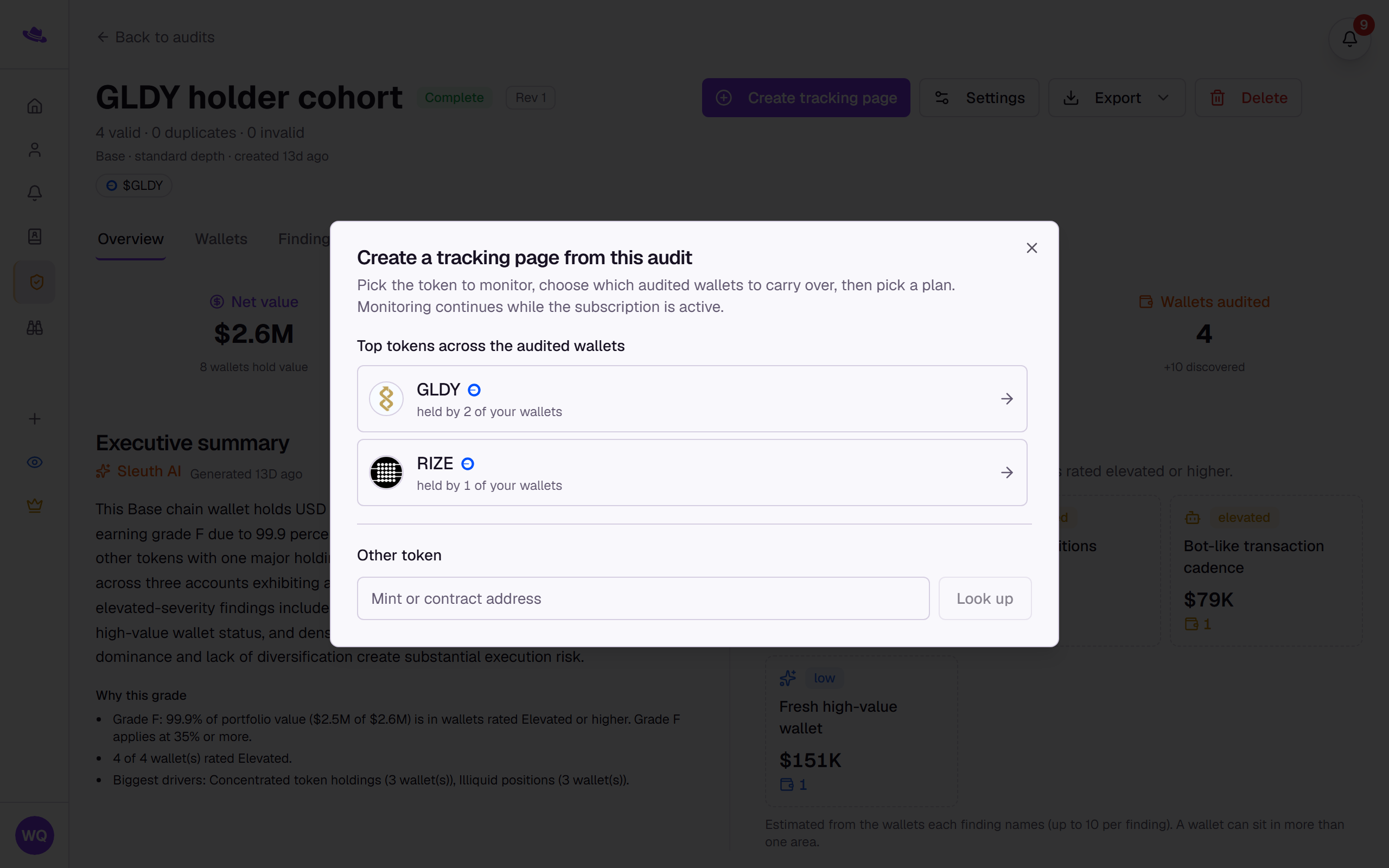
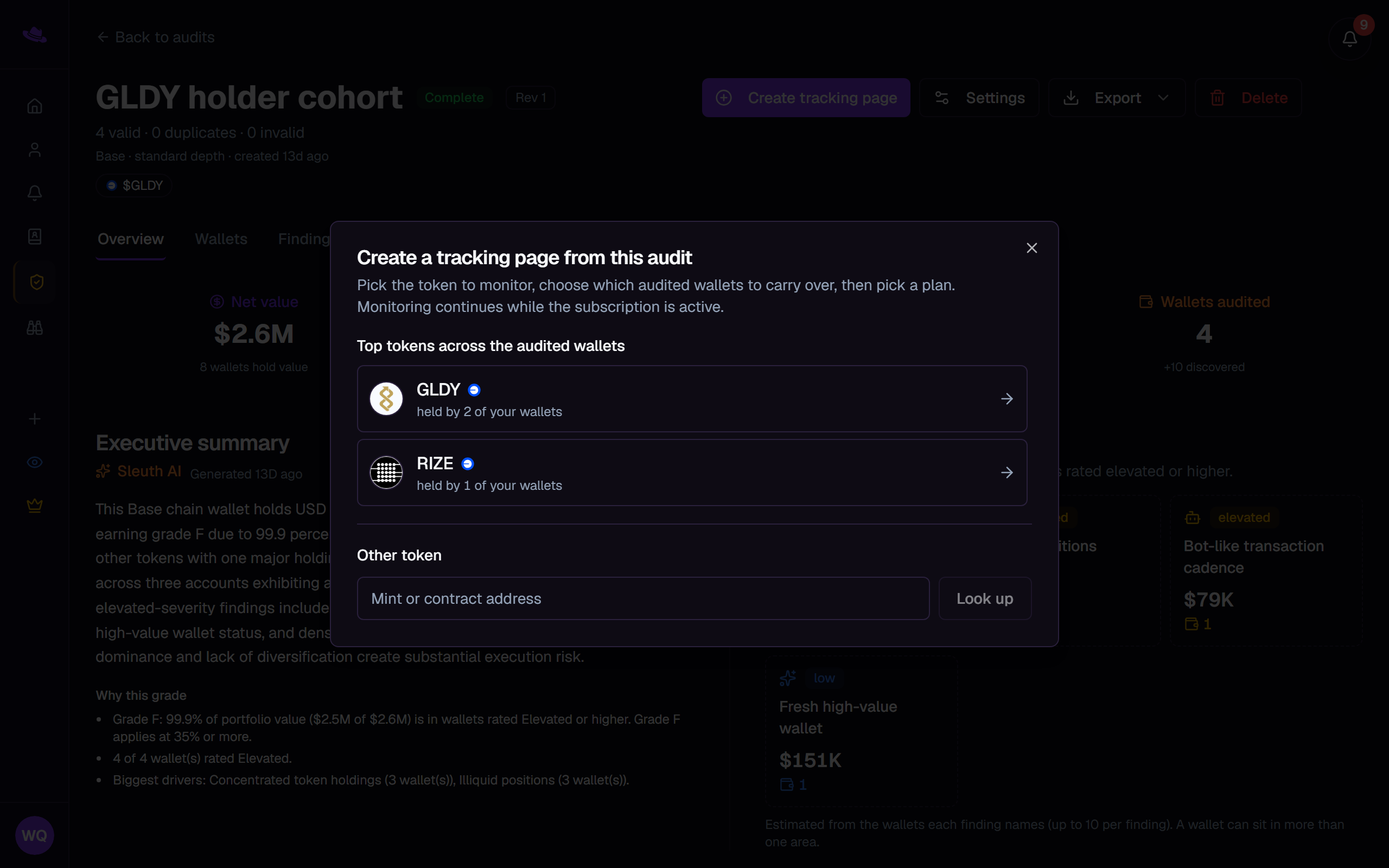
The dialog opens on the token step: a list of the audit's top tokens with how many audited wallets hold each one, and an Other token field for anything not in that list.
Tips
- Wallets on a chain the new tracking page doesn't track are excluded automatically; the dialog tells you how many.
- See pricing for what each plan covers.
Common questions
Does converting remove the wallets from the audit? No. The audit is untouched; the new tracking page gets its own imported copy of the wallets you chose.
Can I convert the same audit more than once? Yes. Each conversion creates its own tracking page and shows its own chip next to the audit's name.