Reading the report
Once an audit completes, its page becomes a report with a row of tabs across the top. The header above the tabs shows the audit's name and status, its wallet counts, chains and depth, any target or restricted assets, and links to tracking pages already converted from it, plus Create tracking page, Settings, Export, and, depending on status, Cancel audit, Retry audit, or Delete.
What you'll see
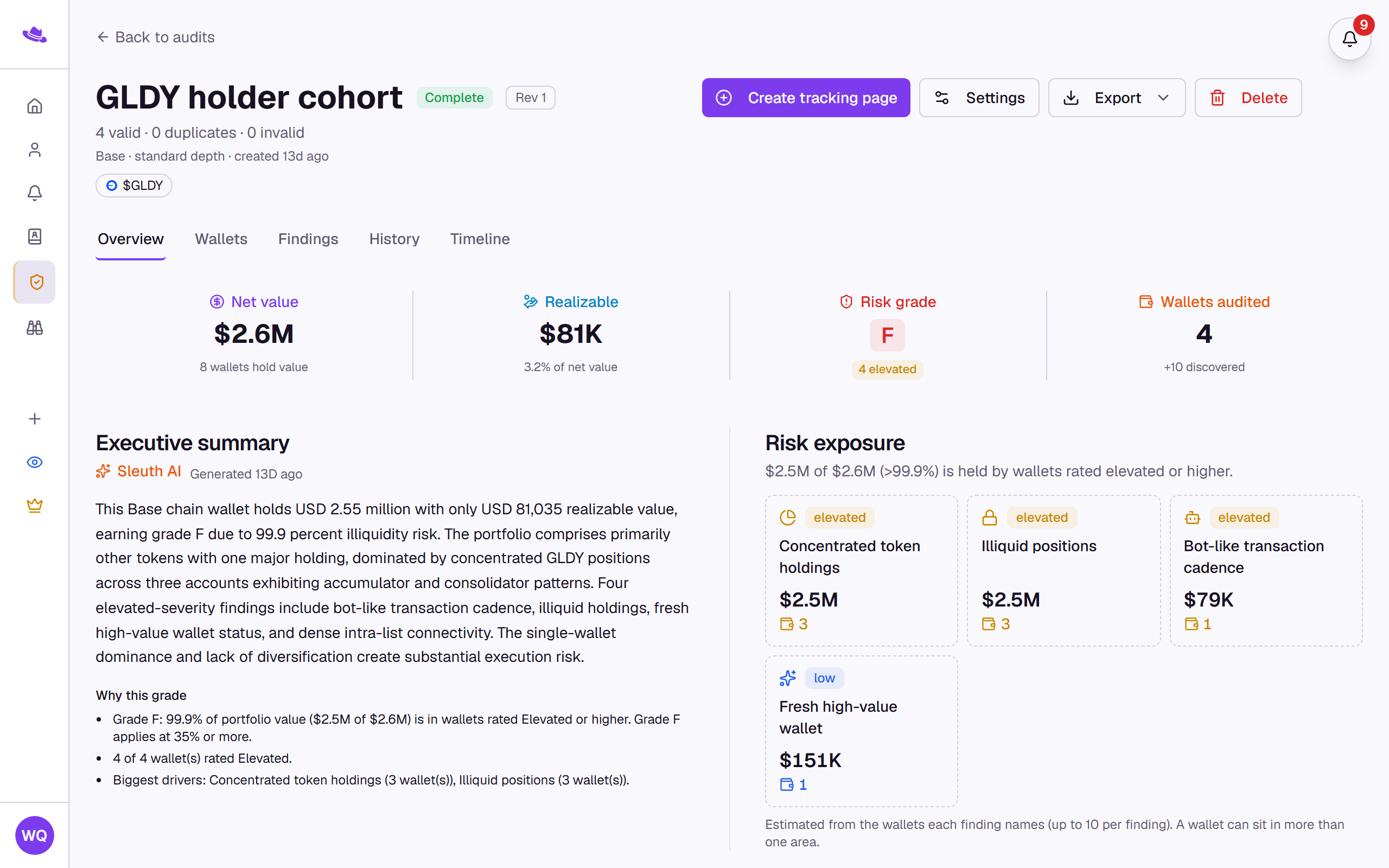
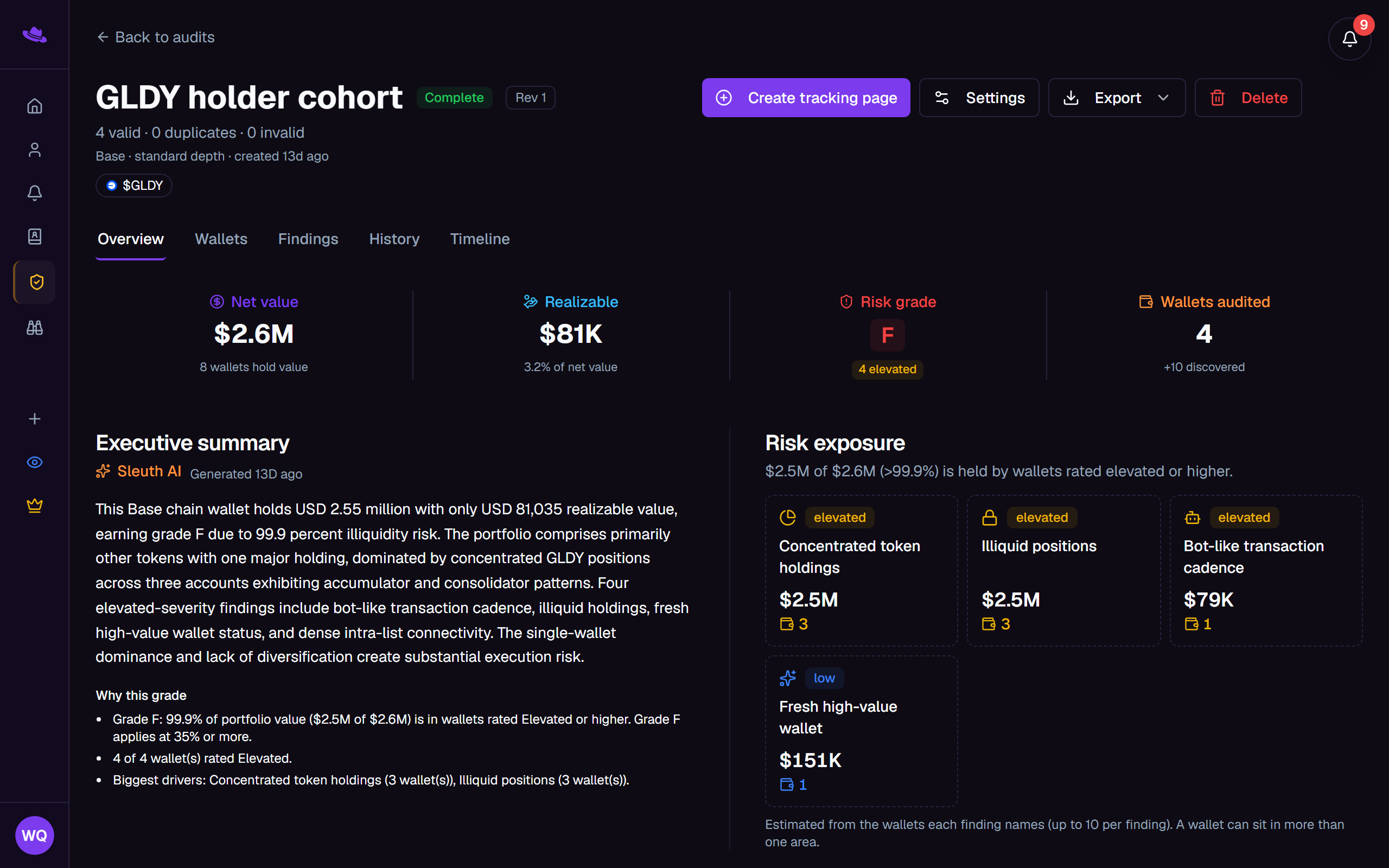
Overview
A stats strip across net value, realizable value, risk grade, and wallets audited (plus target-held and error counts when relevant), with the grade's severity bands shown beneath it. Below that, an executive summary written by Sleuth AI sits beside the risk exposure tiles, one small tile per risk area with the value and wallet count behind it. Further down: token checks on the watched asset (when the audit has one), a wealth distribution chart, a top-tokens table, portfolio-style and behavior mixes, a coverage table showing how much history was read per chain, and the notable findings. See risk score and grade for how the grade itself is computed.
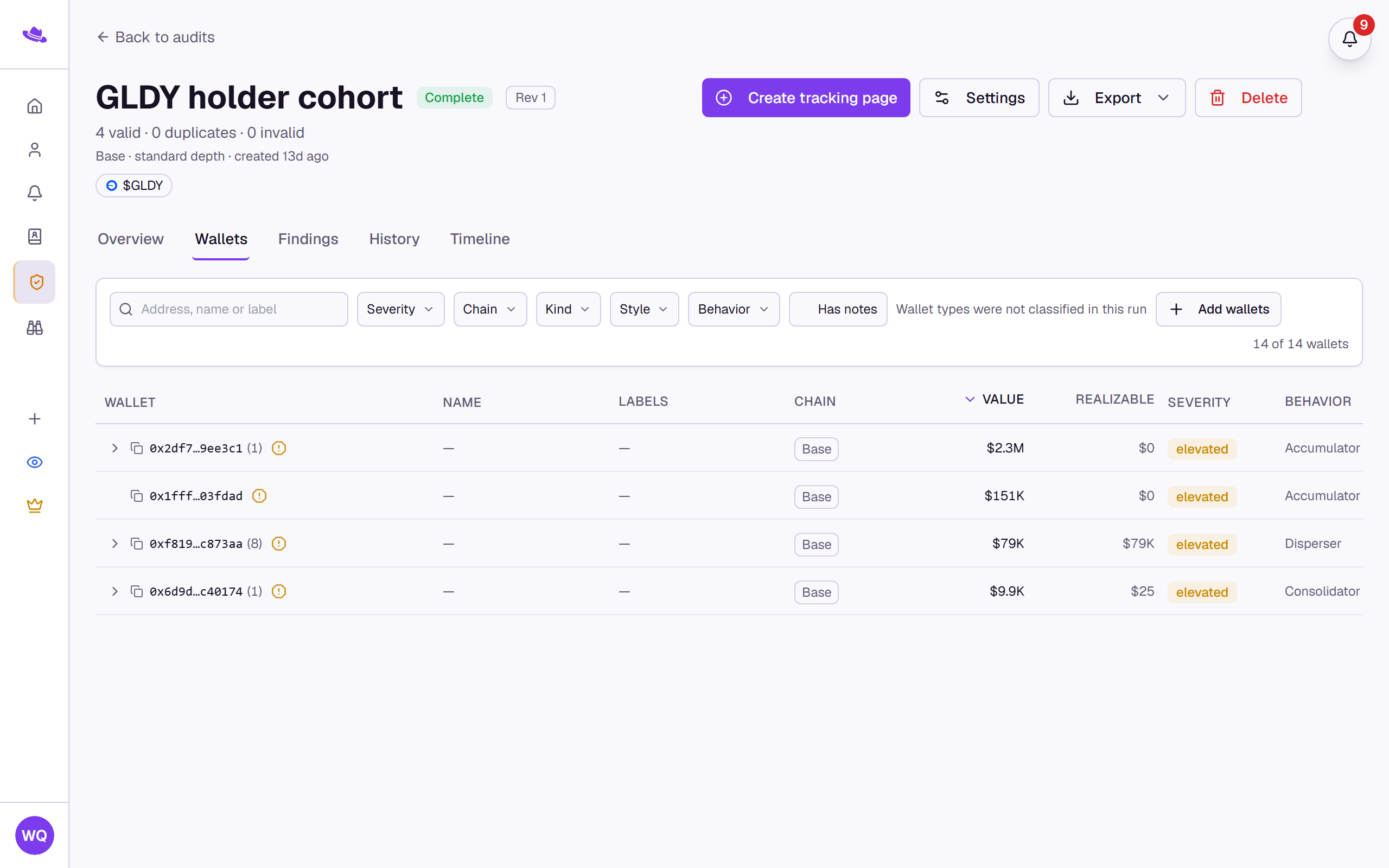
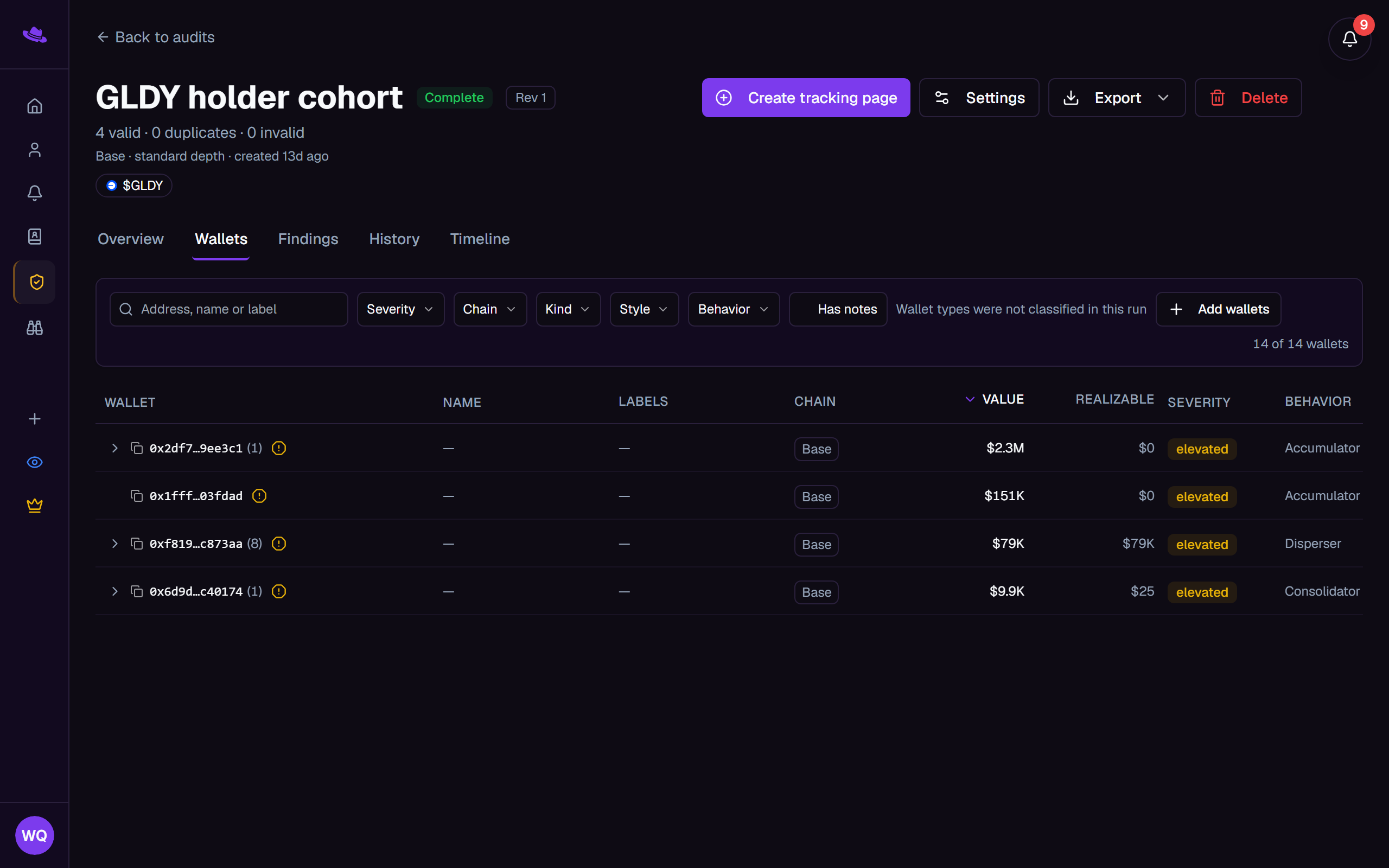
Wallets
A searchable, filterable, sortable table of every audited wallet, with facet filters for Severity, Chain, Kind, Wallet type, Style, and Behavior, plus a Has notes toggle. Columns include Wallet, Name, Labels, Chain, Value, Realizable, Severity, Behavior, Style, History, and, when the audit has a target asset, Target. Selecting a wallet opens its detail panel, where you can edit its name, labels, and notes, or select Investigate in Scout to trace a Solana wallet further.
Findings
Every risk and interesting finding raised by the audit, as a grid of cards. See Reviewing findings for what a finding shows and how to work through it.
History
A "Risk over time" chart of the grade at each completed run, alongside the grade adjusted for whatever findings you've since resolved or hidden, and a change log listing every completed run plus each finding you've resolved or reopened.
Timeline
Transfers between the audit's own submitted wallets, shown as a chronological list and a swimlane chart, filterable by wallet, token, date range, and minimum amount.
Reconciliation
Shown only when the audit has a target asset. Compares the token's own public holder list against your submitted wallets, so you can see who else holds it, who never has, and add anyone interesting straight into the audit.