Introduction Guide · Getting started · Getting started Guide · Getting started · Create your account Guide · Getting started · Your dashboard Guide · Getting started · Appearance and profile Guide · Tracking pages · Tracking pages Guide · Tracking pages · Create a tracking page Guide · Tracking pages · Reading a tracking page Guide · Tracking pages · Page settings Guide · Wallets · Wallets Guide · Wallets · Adding wallets Guide · Wallets · Nicknames and tags Guide · Wallets · Sub-wallets and trailing Guide · Wallets · Batch actions and the table Guide · Wallets · Suggestions Guide · Alerts · Alerts Guide · Alerts · Alert rules Guide · Alerts · Notification channels Guide · Alerts · Contact groups Guide · Alerts · Alert logs Guide · Wallet intelligence · Wallet intelligence Guide · Wallet intelligence · The wallet modal Guide · Wallet intelligence · Token activity and profit and loss Guide · Wallet intelligence · Behavior analytics Guide · Wallet intelligence · Forensics Guide · Collaboration · Collaboration Guide · Collaboration · Members and invites Guide · Collaboration · Shared and public pages Guide · Collaboration · Embedding your page Guide · Address book · Address book Guide · Address book · Contacts and sync Guide · Scout · Scout Guide · Scout · Your first investigation Guide · Scout · Working the canvas Guide · Scout · Inspector, flags, and filters Guide · Scout · Sharing investigations Guide · Audits · Audits Guide · Audits · Creating an audit Guide · Audits · Reading the report Guide · Audits · Reviewing findings Guide · Audits · Editing and re-running Guide · Audits · Sharing and exporting Guide · Audits · Converting to a tracking page Guide · Audits · Identities Guide · Plans and integrations · Plans and integrations Guide · Plans and integrations · Plans and billing Guide · Plans and integrations · Allium and Telegram Guide · Mobile app · Mobile app Guide · Mobile app · Installing and signing in Quickstart Authentication Embed widget · Snippet Embed widget · SIWS signing Embed widget · Customization API reference · GET /tracking/{id} API reference · POST /siws/nonce API reference · POST /submissions API reference · GET /session/submissions Concepts · Verification policy Concepts · Trust ladder Concepts · Cooldowns and rate limits Errors and status codes Methodology · Overview Methodology · Wallet relationships and clustering Methodology · Risk score and grade Methodology · Threat intelligence and taint Methodology · Behavioral analytics Methodology · Data sources
Your profile page is one stop for how the app looks and how it reaches you: theme, name, phone, password, and the channels used for alerts.
Steps
Open your Profile .
Under Appearance , choose Light , Dark , or System . Your choice syncs to your account, so it follows you to any device you sign in on.
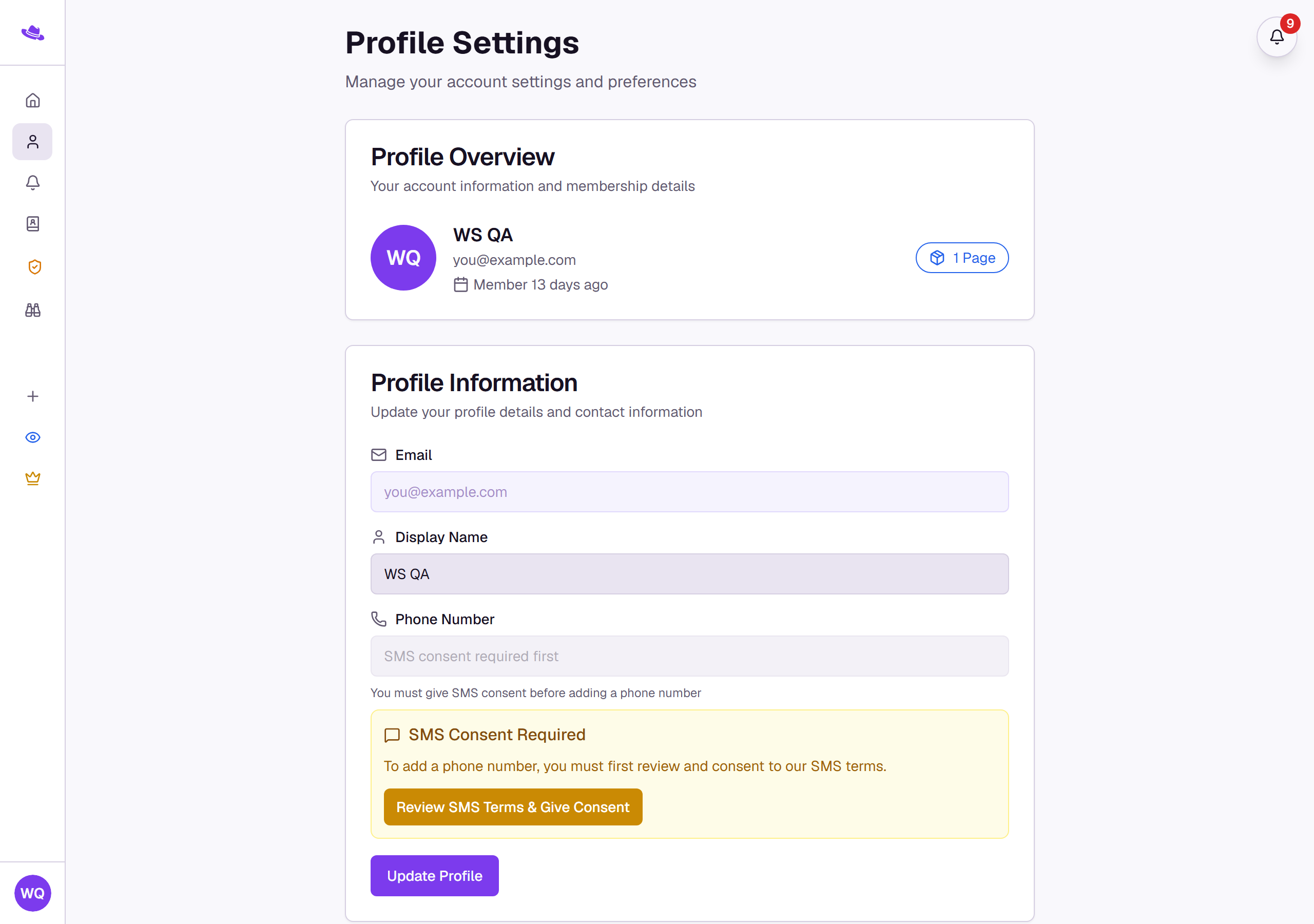
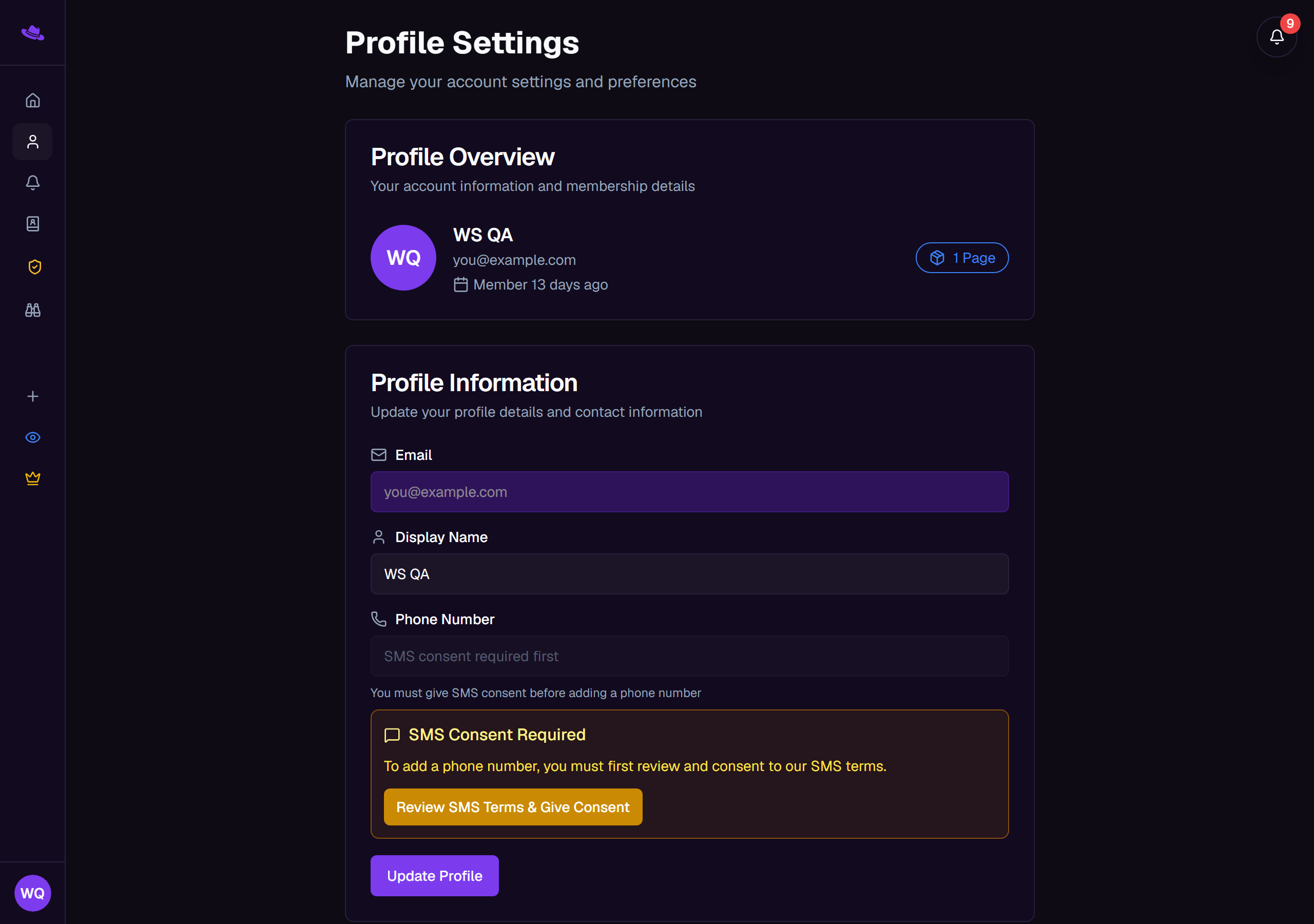
Under Profile Information , update your Display Name and select Update Profile to save. Your Email shows here read-only; it isn't editable.
To receive SMS alerts, select Review SMS Terms & Give Consent first, then add your Phone Number in Profile Information and turn on Enable SMS alerts for wallet activity under SMS Alert Settings .
Under Change Password , set a New Password , confirm it in Confirm New Password , and select Update Password .
To receive alerts in Telegram, open Telegram Settings and select Link Telegram Account , then follow the code prompts. See Notification channels for more depth on each channel.
The Tracking Pages & Subscriptions card lists the pages you own and their plans; manage billing for a page from there.
What you'll see
Related