Create your account
You need an account to create or join a tracking page, run Scout investigations, or set up alerts. Signing up takes a minute, whichever method you pick.
Steps
- Go to the sign-up page.
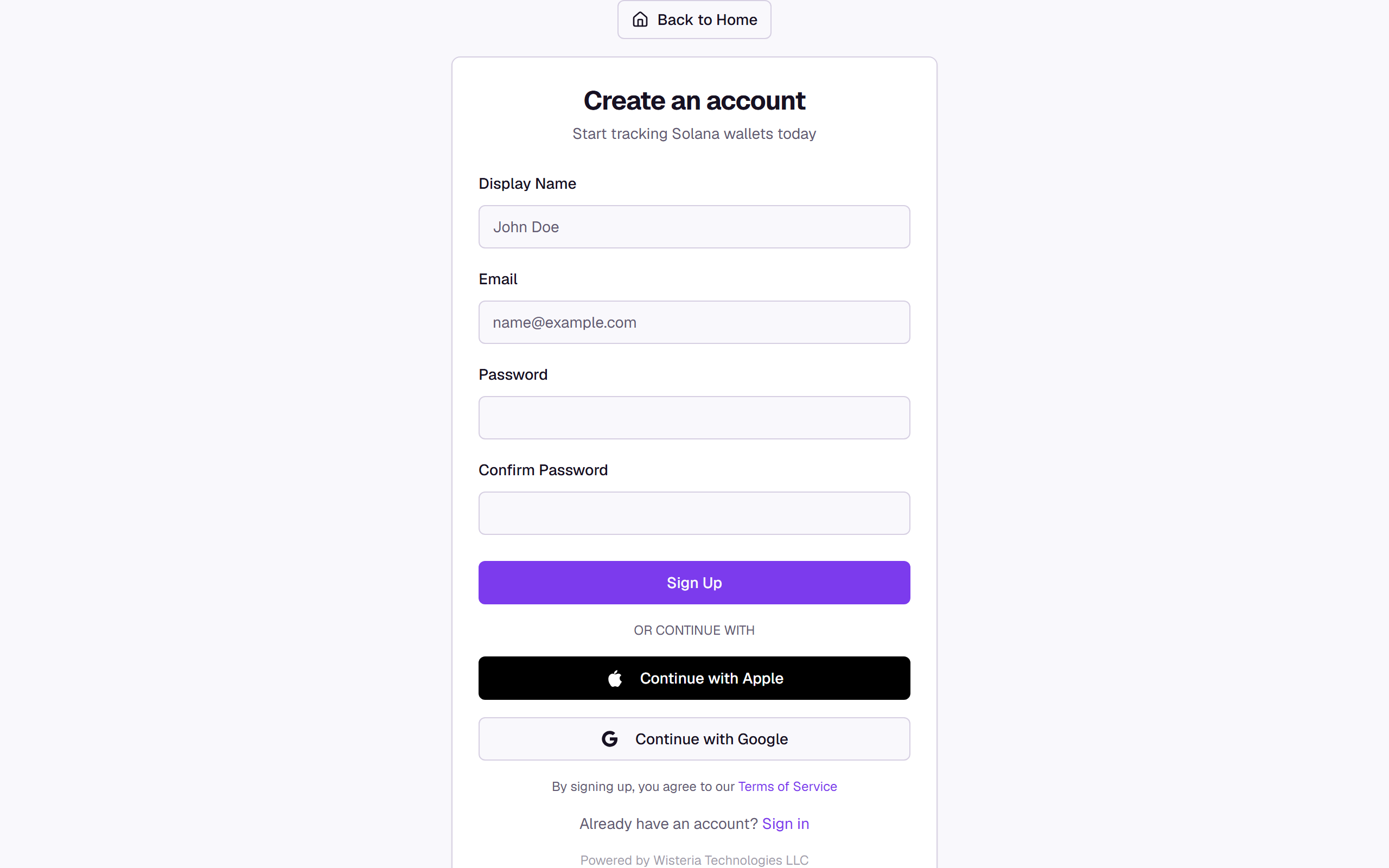
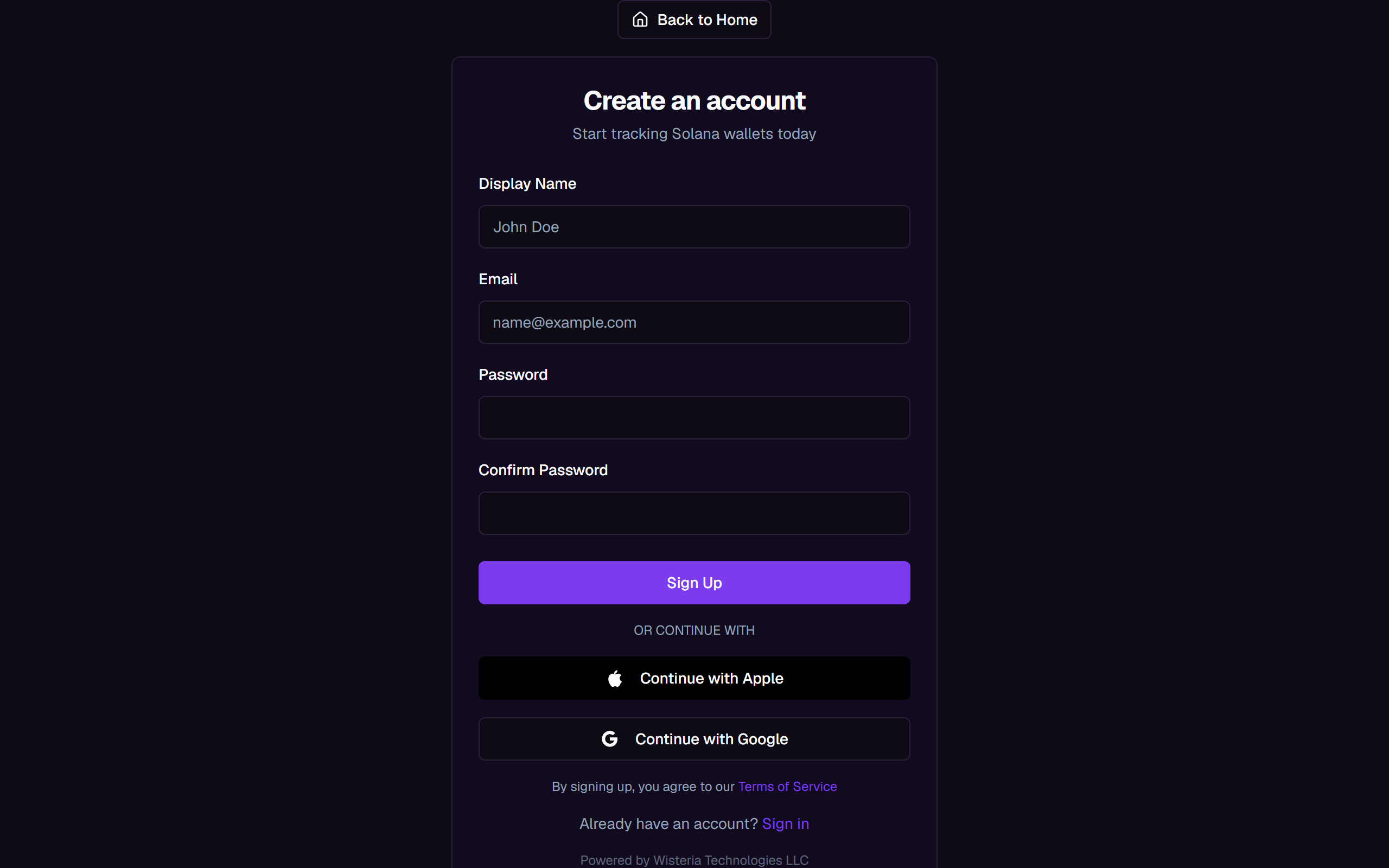
- Pick how you want to sign up: fill in Display Name, Email, Password, and Confirm Password and select Sign Up, or skip the form and select Continue with Google or Continue with Apple instead.
- If you sign up with email, your Display Name is what teammates see when you join a shared tracking page. Google and Apple carry your name over automatically when they have it.
- Signing up (with email, Google, or Apple) means you agree to the Terms of Service.
- On success you land on your dashboard.
Already have an account? Go to the login page instead.
What you'll see
Common questions
I forgot my password. Wallet Sleuth doesn't have a self-serve password reset yet. If you originally signed up with Google or Apple, use that button on the login page instead; no password is needed. If you set a password and lost it, email admin@wisteriatechnologies.com from the address on your account and we'll help you back in.
Can I change my email? Not from the app. Your email is fixed to how you signed up and shows read-only on your profile. Email admin@wisteriatechnologies.com from your current account address to request a change.
Related
- Your dashboard
- Ready to start monitoring? Create a tracking page.