Adding wallets
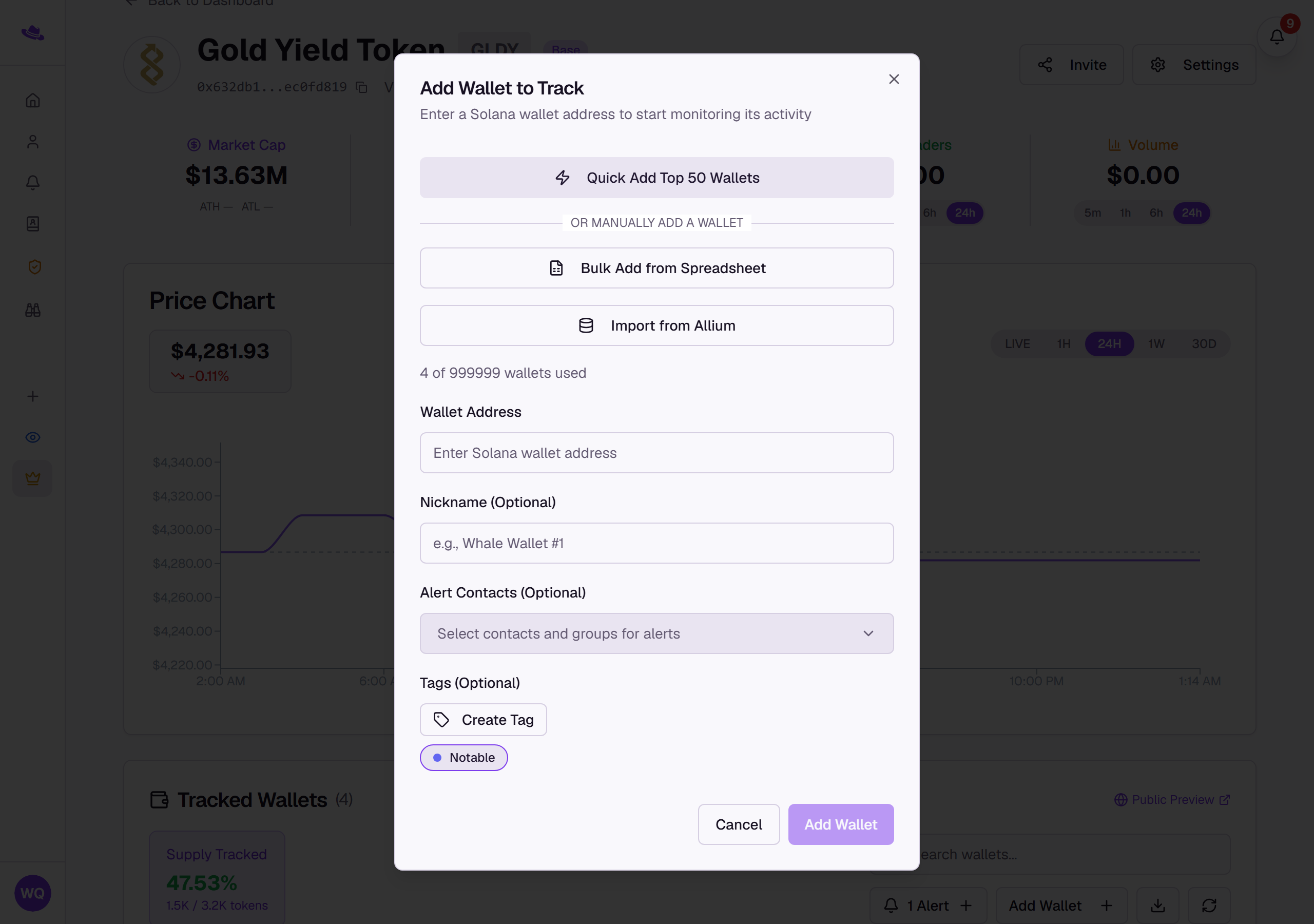
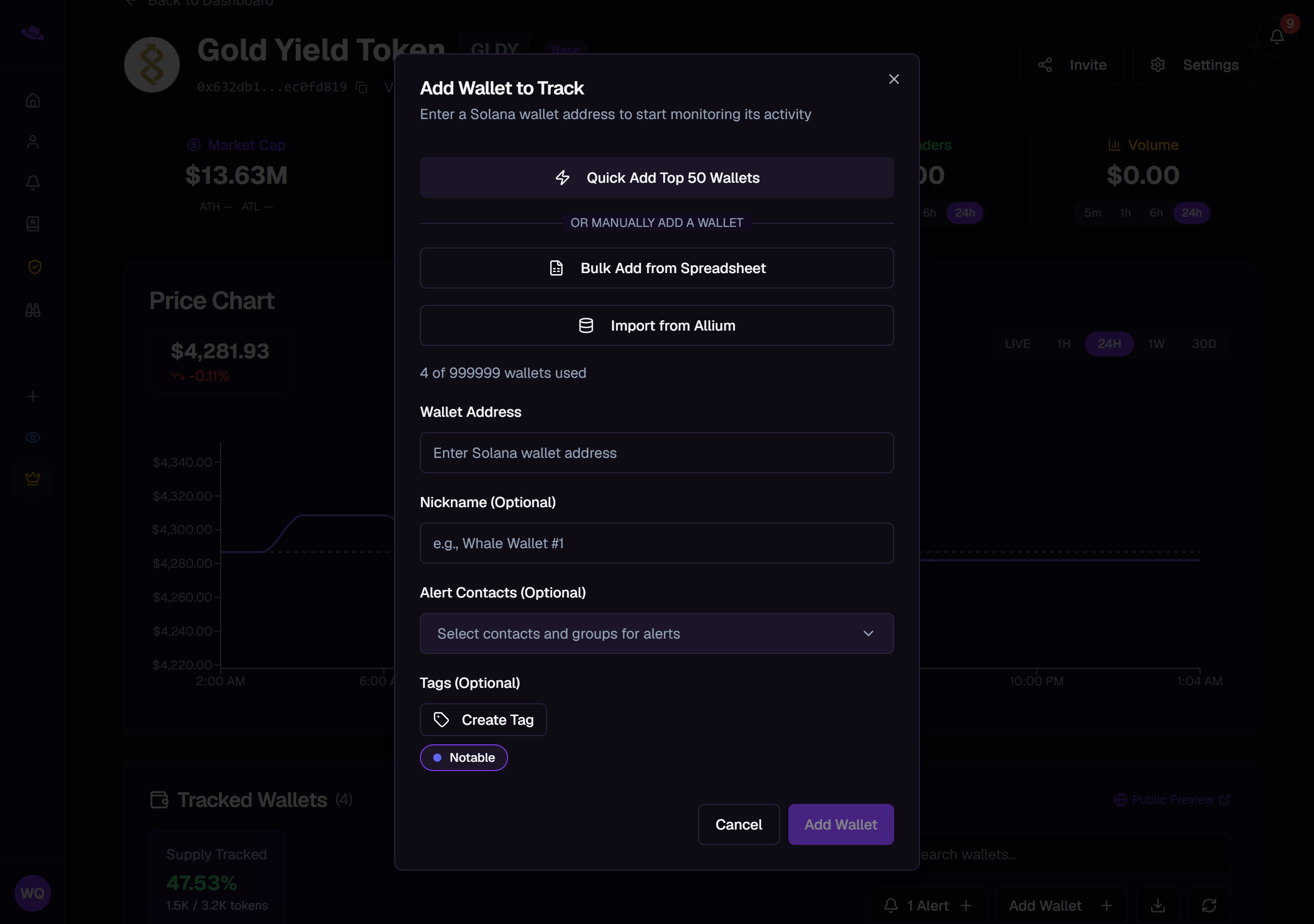
Every tracking page starts with no wallets. Wallet Sleuth gives you five ways to add them, from a single address typed by hand to a whole spreadsheet.
Steps
Before you start. Adding a wallet, in any of the ways below, needs Full Access: you must own the page or be a member with that access level. None of these controls appear on a page where you only have Read Only access.
Add one wallet
- From the tracking page, select Add Wallet.
- Enter the wallet's address. Wallet Sleuth checks it against the page's chain, so a Solana page rejects an EVM address and vice versa, and it refuses an address it recognizes as a liquidity pool or other shared infrastructure rather than an individual's wallet.
- Optionally set a Nickname, Alert Contacts, and Tags.
- Select Add Wallet.
Bulk add from a spreadsheet
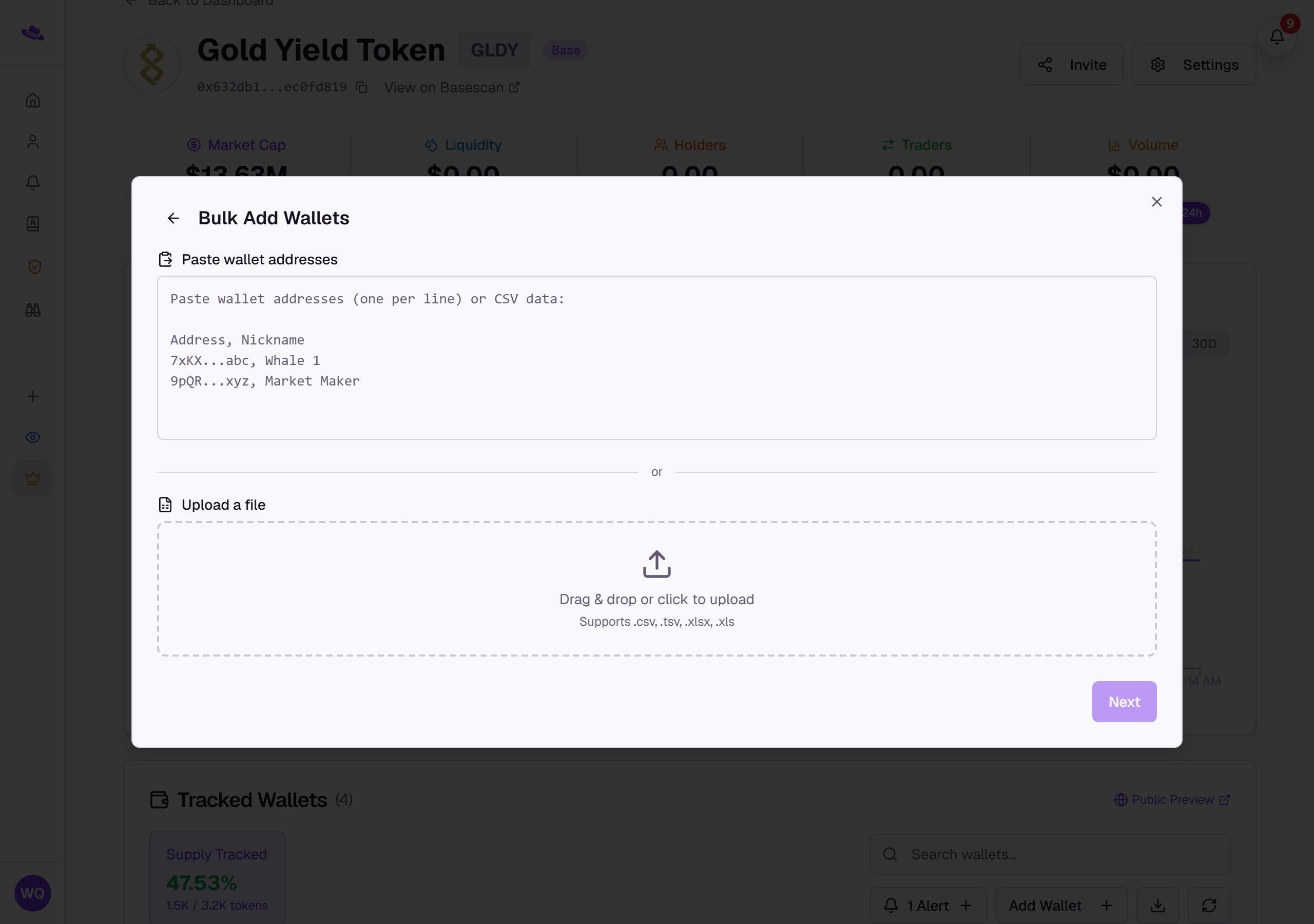
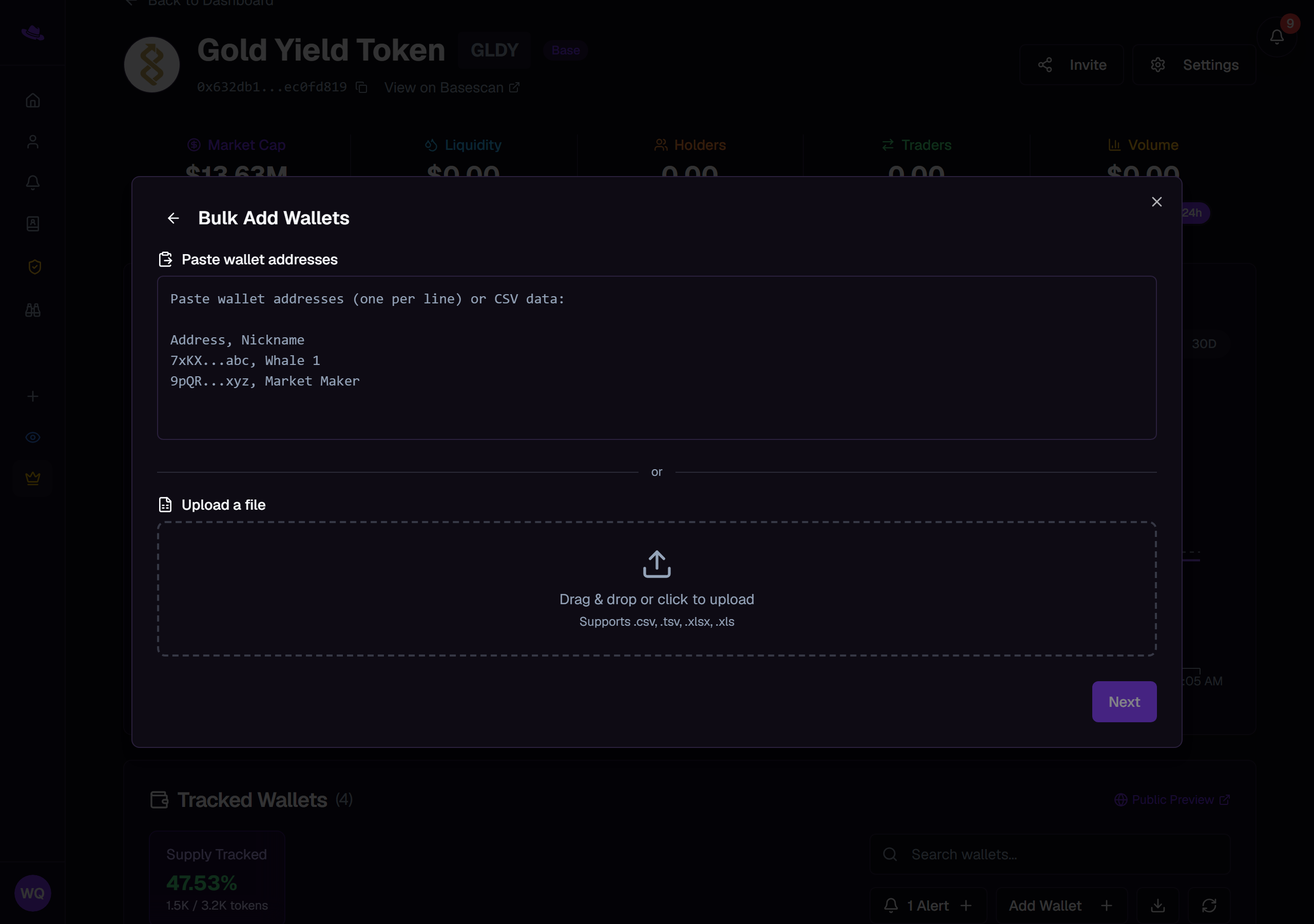
- In the Add Wallet dialog, select Bulk Add from Spreadsheet.
- Paste addresses, one per line or as CSV data, or drag in a
.csv,.tsv,.xlsx, or.xlsfile, then select Next. - Tag each column as Address, Nickname, or Ignore. Wallet Sleuth auto-detects the address column and reports how many valid rows it found; invalid or empty rows are skipped.
- Optionally select rows to assign them tags, and choose alert contacts for the whole import.
- Select Add Wallets to confirm; its label counts how many valid addresses it found.
Import from Allium
- In the Add Wallet dialog, select Import from Allium. This needs an Allium account connected from your profile first.
- Run one of your saved Allium queries.
- Its results land on the same column-mapping step as a spreadsheet import; map the columns and confirm.
Quick Add Top 50
- In the Add Wallet dialog, select Quick Add Top 50 Wallets; from the toolbar above the wallet table, the same action is labeled Quick Add Top 50.
- Wallet Sleuth fetches the token's top 50 holders by share of supply and adds them in one batch, skipping any wallet already tracked and any address that looks like a liquidity pool.
- Each wallet added this way is named for its supply share (for example "3.5% Supply Holder") and tagged Auto-named, so you can find and rename them later.
Add a sub-wallet
- Expand a tracked wallet's row and select Add sub-wallet.
- Paste the destination address and, optionally, a nickname, then select Add.
A sub-wallet added this way nests under the wallet you added it from. See Sub-wallets and trailing for how nesting, depth, and automatic discovery work.
What you'll see
Common questions
I don't see Add Wallet. Adding wallets needs Full Access. You need to own the page, or be a member whose access level is set to Full Access rather than Read Only.
Wallet Sleuth won't add an address I pasted. It's either the wrong chain for this page, already tracked on it, or an address Wallet Sleuth recognizes as a liquidity pool or other shared infrastructure rather than an individual wallet.
Import from Allium is asking me to connect something. It needs an Allium API key connected first, from the Connections card on your profile.