Plans and billing
A tracking page's subscription tier decides how many wallets it can track and which features are turned on; see pricing for the tiers Wallet Sleuth offers and what each one includes. Subscriptions are per tracking page, not per account, so one page can run on a higher tier while the rest of your pages stay on the free tier.
Steps
- From the tracking page, select Settings, then Billing in the sidebar. Only the page's owner sees this section; see Page settings.
- If the page already has an active plan, the Subscription Management card shows its Current Plan, its next billing date, and the plan's feature list underneath.
- To move up a tier, select Upgrade Plan, choose a tier from the list, then select Continue to Payment; you're taken to Stripe to complete the card payment. The Enterprise tier is sold separately: its row reads Contact us and opens an email instead of checkout.
- To cancel, select Cancel Subscription and confirm. Monitoring stays on until the current billing period ends and your wallets, tags, and history are preserved either way; nothing is deleted by cancelling.
- A cancelled or expired plan shows Reactivate Subscription in place of Cancel Subscription, which restarts checkout for the same tier.
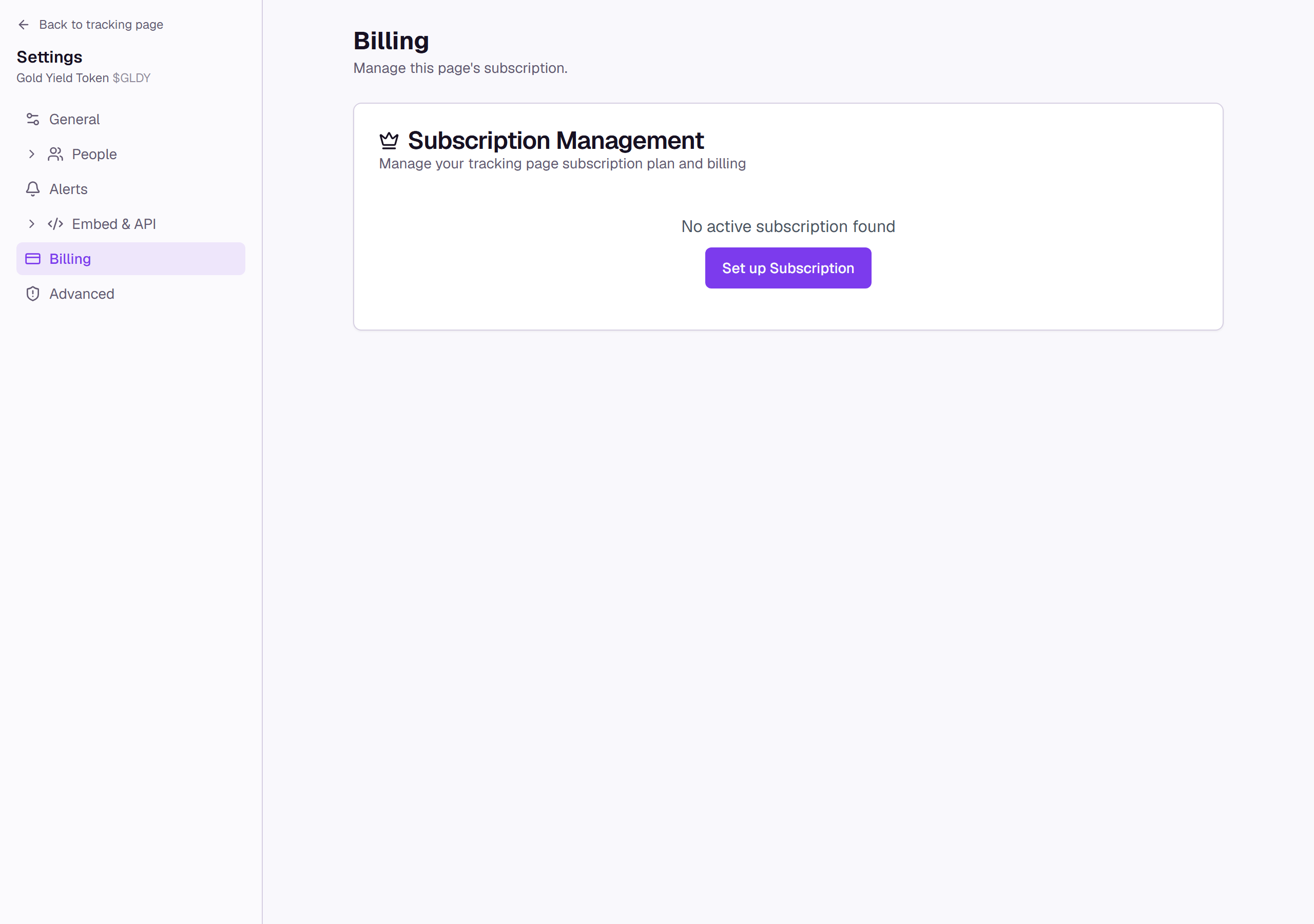
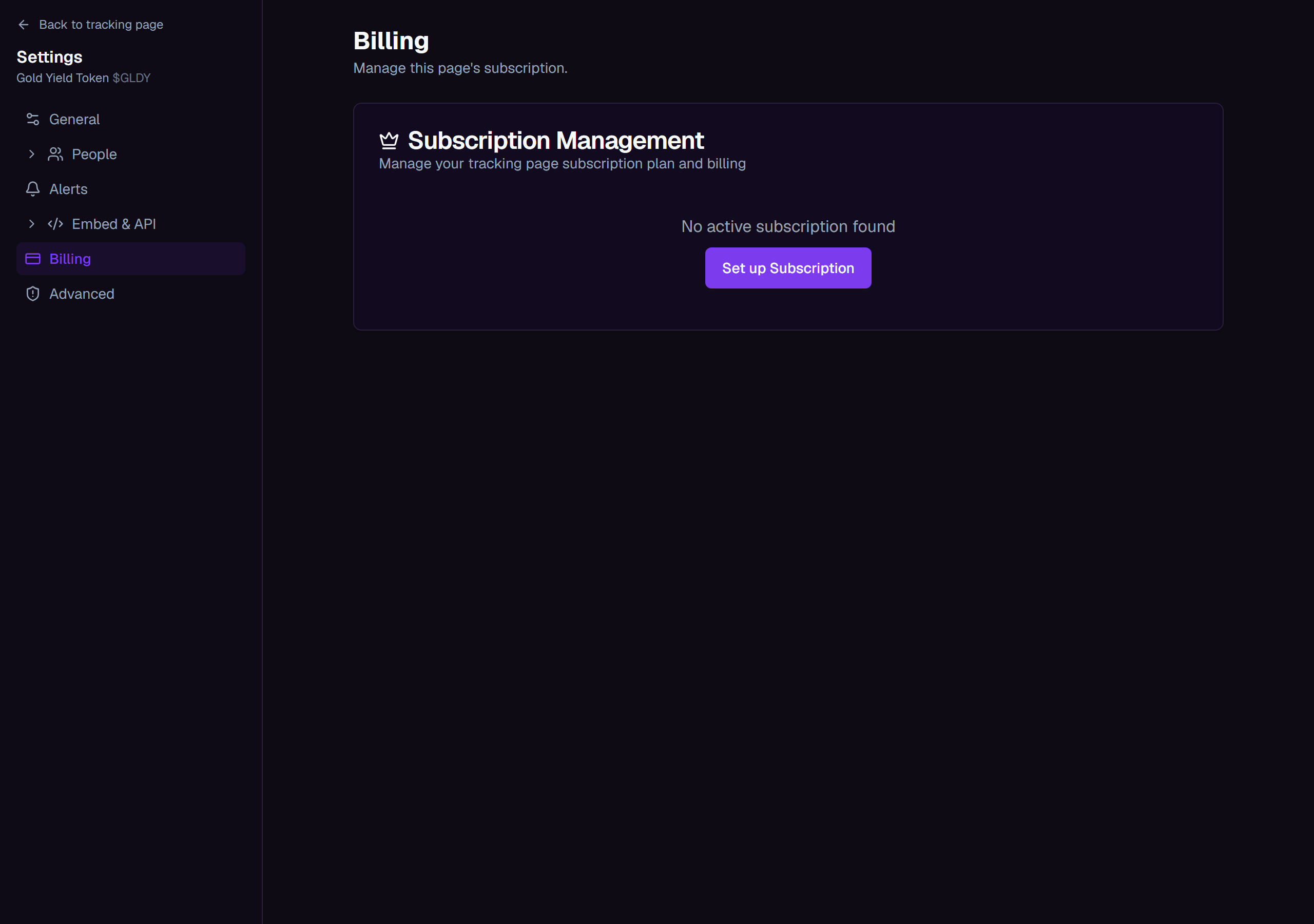
- A page with no plan set up yet shows Set up Subscription instead of a plan card; selecting it takes you to the tracking page to choose one, the same as at Create a tracking page.
What you'll see
Tips
- A promo code has its own field only when you're setting up a brand-new tracking page. Upgrading an existing page's plan from Billing, paying for an audit, or converting an audit into a tracking page all go straight to Stripe's payment page with no promo code field.
- Enterprise wallet caps and billing are arranged directly rather than shown on the plan list; reach the team from any Contact us button, or from pricing.
Common questions
Where do I see my Scout or audit allowances? Scout usage shows on the pill next to Filters on an investigation's canvas; see Your first investigation. Starting an audit shows its cost, and any free audits your account includes, before anything is charged; see Creating an audit. What each plan includes lives on pricing; Wallet Sleuth doesn't repeat the numbers here since they can change.
Can my tracking pages be on different plans? Yes. Each page's subscription is independent, so you can put a heavily-tracked page on a higher tier and leave the rest on the free tier.