Suggestions
Wallet Sleuth periodically looks over a tracking page's wallets for things worth cleaning up or confirming, and surfaces them as suggestions.
Steps
Open suggestions
- If Wallet Sleuth has anything to suggest, a lightbulb button appears at the top right of the tracking page with a count badge. It doesn't appear at all when there's nothing to suggest.
- Select it to open the Page Suggestions drawer, which shows when it last checked and a refresh button to recompute now.
- Use the all, identity, structure, and nicknames filters to narrow the list.
Resolve a suggestion
Every suggestion offers Reject, which dismisses it until the next recompute, and Never, which dismisses it permanently. The other actions depend on the type:
- Nickname Collision: two or more wallets share the same nickname. Select Rename to edit them, or Nest under "..." to turn the others into sub-wallets of the one you pick.
- Cluster Siblings: wallets that Wallet Sleuth's relationship graph groups into one cluster. Select Nest under "...", or Confirm same identity to record that you believe they share an owner without nesting them.
- Transfer Funded: most of one wallet's incoming transfers came from a single other wallet on the page. Select Nest under "..." to nest it.
See Wallet relationships and clustering for how the underlying cluster and relationship scoring works.
What you'll see
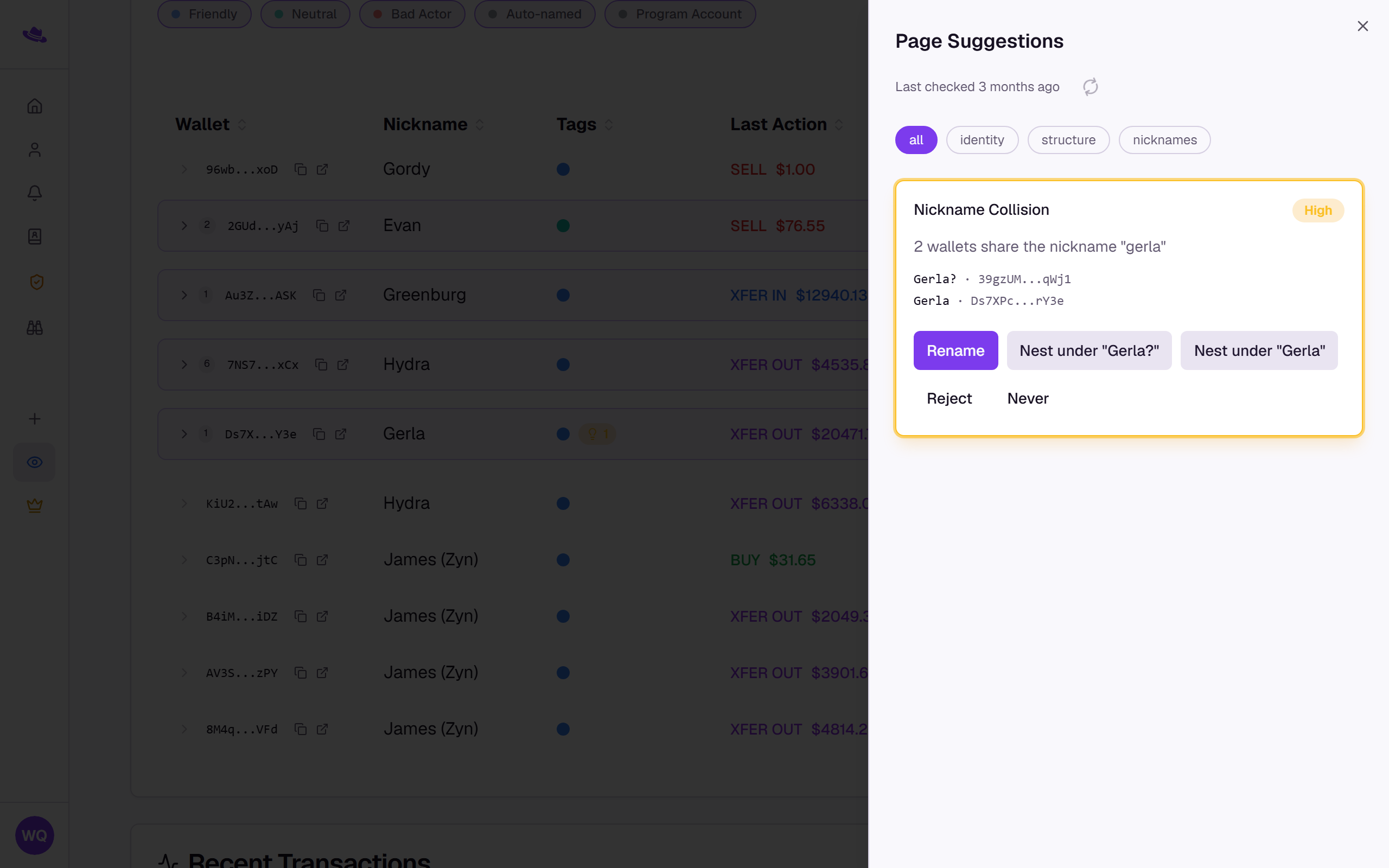
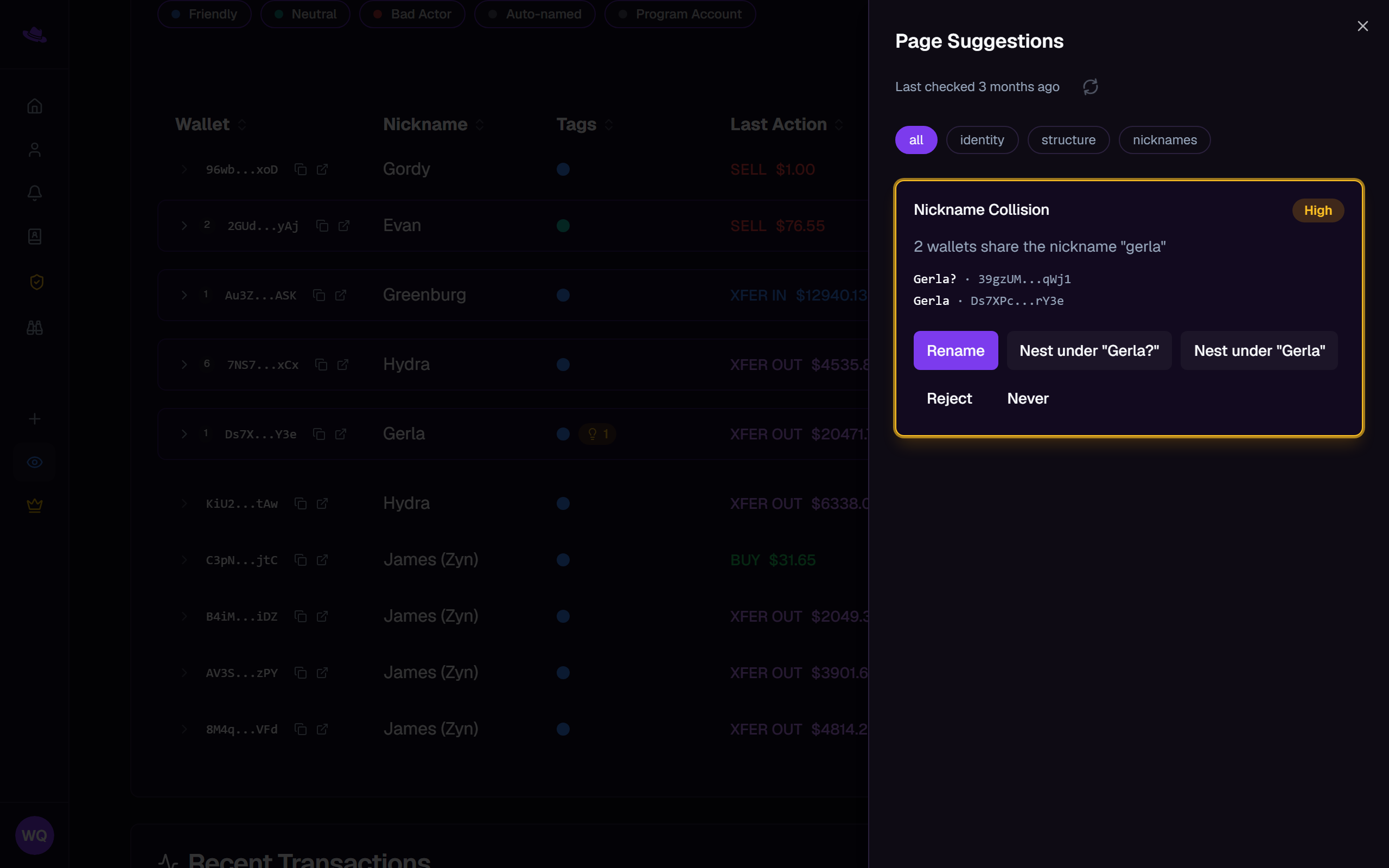
Each suggestion shows a confidence badge, High or Medium, and lists the wallets it's about by nickname and address.
Common questions
I don't see the lightbulb button. It only appears when Wallet Sleuth currently has a suggestion for this page. Adding wallets or renaming them can surface new ones on the next check.
I rejected a suggestion by mistake. Reject only dismisses it until the page recomputes suggestions again; only Never dismisses it for good.